
Perimeter protection
Detect people or vehicles entering a protected area or crossing a configured boundary. Classify the source of movement to distinguish relevant events from animals and other routine motion.
Monitor restricted areas, perimeter intrusion and site activity with AI video analytics. Link camera evidence to security-team review and response workflows.
Define which areas people and vehicles may enter, which events require attention and who should respond. ViewLogic turns camera observations into events with supporting video for the security team.
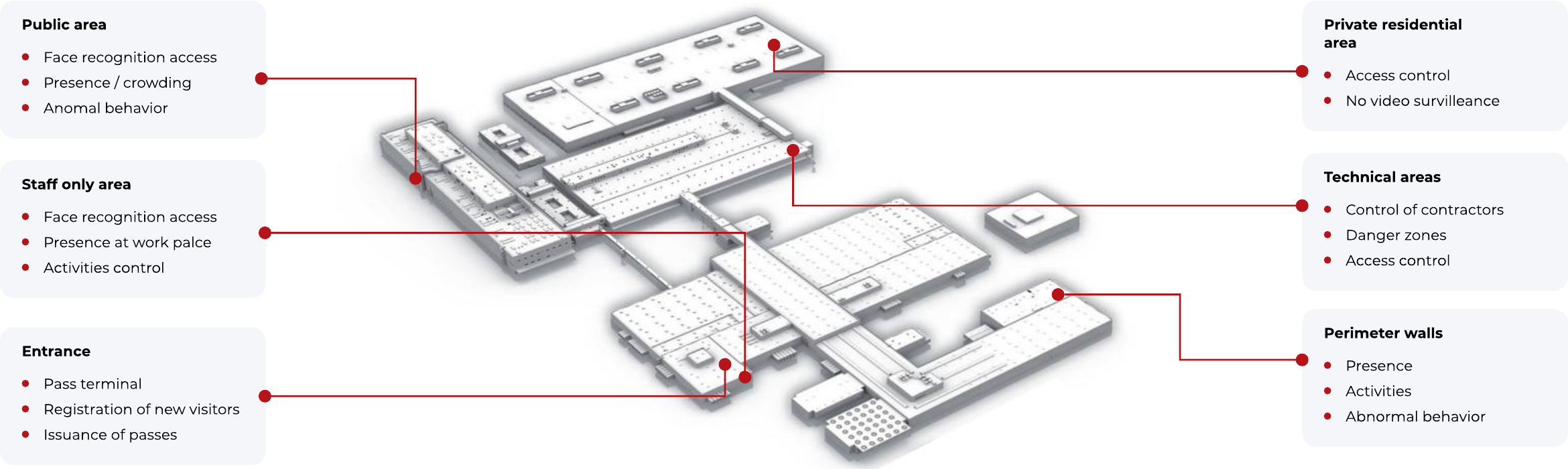
Coverage can combine public areas, staff zones, technical spaces, gates and the outer perimeter. Each area can have its own access and monitoring rules.
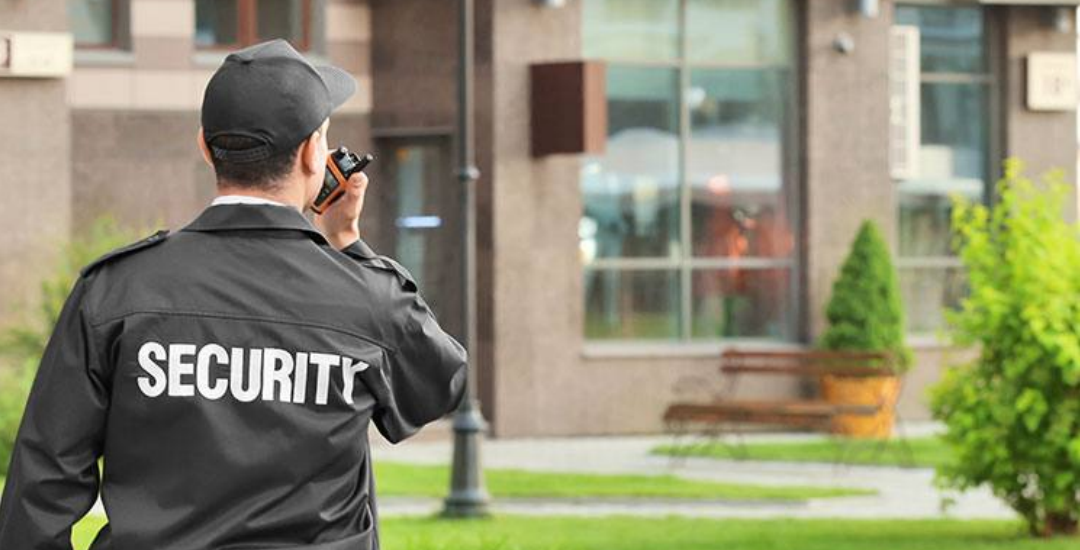
Detect people or vehicles entering a protected area or crossing a configured boundary. Classify the source of movement to distinguish relevant events from animals and other routine motion.
Connect video observations with the existing pass and access-control workflow. Optional identity checks can combine a credential with a camera-based check at designated access points.
Read licence plates at gates, compare them with the configured vehicle lists and pass the result to the barrier or security operator through the agreed integration.
Count entries and exits, monitor presence in designated areas and identify access to technical or staff-only spaces. Configure the required response for each zone.
Monitor presence at assigned posts, arrival and dwell time, patrol-related activity and selected work routines. Review exceptions against the location’s operating procedures.
Monitor camera obstruction, tampering or loss of availability. Bring security events and relevant equipment states into the operator’s workflow.
A campus or estate can combine open visitor areas, controlled staff areas, technical facilities and private spaces. The monitoring design follows those boundaries.
Use the platform’s integration interfaces to exchange events with access-control systems, gates, barriers, video management and other security tools. The project defines the event fields, supporting evidence and required action.
Operational records can support incident review, entry and exit reporting, occupancy analysis and investigation of a specific event.
Select the cameras and zones, agree the relevant events, test day and night conditions, and check the complete operator response. Extend coverage after the pilot confirms the required performance.
Explore Platform 4.0Tell us about your cameras, operating areas and the events your team needs to act on.
Building teams need to distinguish an access event from a maintenance issue, a cleaning task or an urgent condition. Route each observation to the appropriate queue and responsible person, with supporting evidence and a clear closure process.
Complement security monitoring with visible facility-condition checks such as spills, litter and overflowing bins.
Use role-based access and the agreed evidence-retention policy. Match the notification and escalation route to the event, area and operating hours.
Explore integrated territory safety, office condition and site-response workflows.
For site-security projects in the Gulf / GCC and our other target markets, define the perimeter, monitored zones, environmental conditions and response team. ViewLogic can demonstrate the software and work with the selected delivery partner on the implementation scope.
Evaluate the defined entry events and nuisance conditions for each camera view, including lighting and environmental changes. Check that operators can locate the event and review the evidence before responding.