
What Sigma wants to know
In the turning area, the goal is to determine whether a person is observed at a selected workstation and how long the zone remains empty during working hours. The result is a set of intervals of presence, absence and inability to observe.
This is the second route in the Sigma case: BOX 3.2 solves the same task with its ready-made workplace discipline monitoring module, while here we build the processing through a Platform 4.0 scenario. This lets us examine the logic block by block and adapt it to a custom rule. This example does not use an LLM.
This describes the zone’s visibility. Presence in front of a camera does not by itself measure productivity, task completion or an employee’s personal responsibility. Such conclusions would require other data and separate rules.
1. Select the material
Workshop videos have been prepared for the exercise. A wide view of the turning area is useful for marking individual machines, while a closer view of the fitting workshop helps separate adjacent workstations.
First review the entire recording and mark intervals when a person is at the workstation, leaves, walks past, or is occluded by equipment or another person. Do not select a positive example based on a single favorable frame.
The source videos include equipment occlusions. Choose the monitoring region and reference point on the person according to the actual view. Preserve the source files unchanged; for a quick test, extract a short clip at the same resolution.
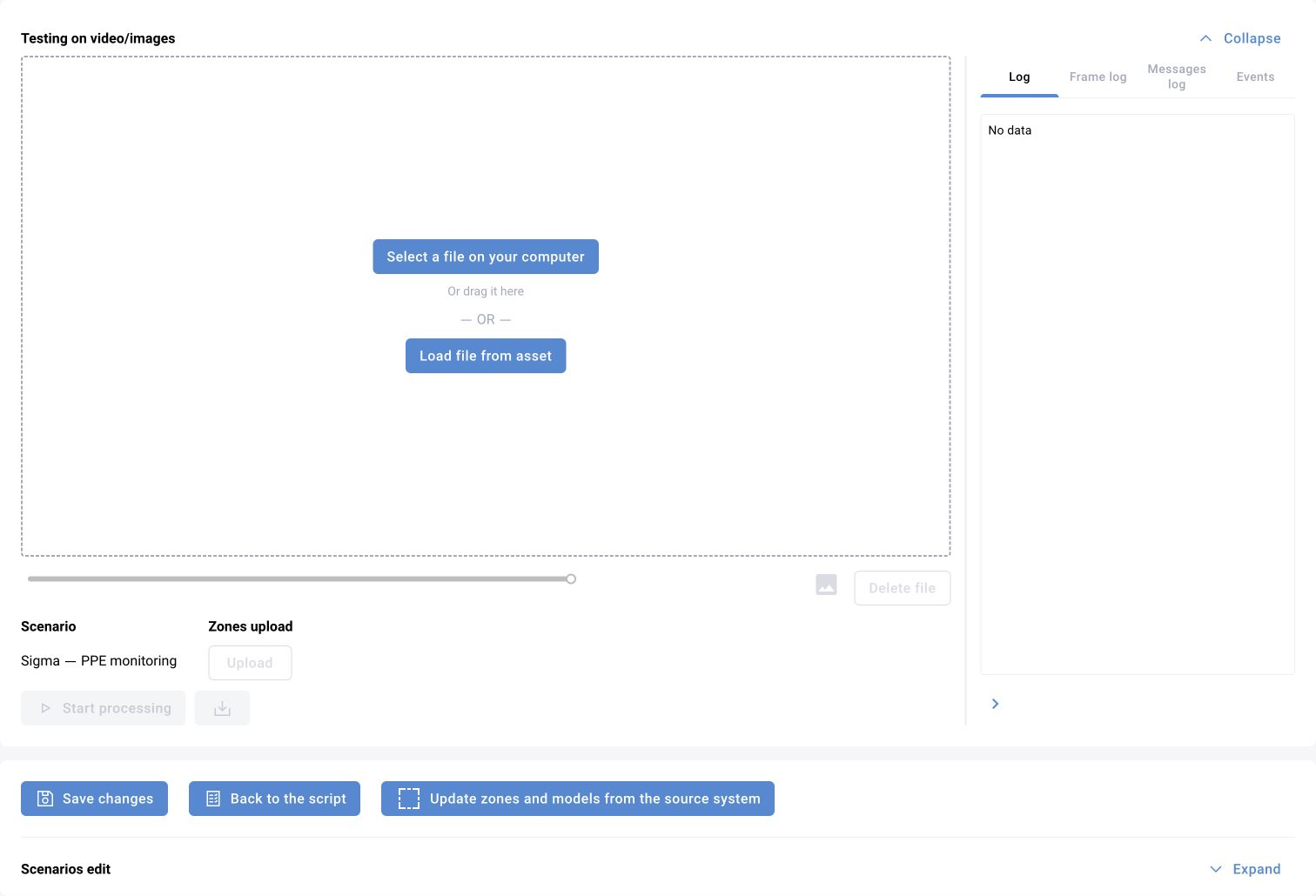
2. Mark the workstation
Start with one zone, “Sigma — machine 01”. Separate it from the passageway and neighboring machine. If the rule uses the bottom point of the bbox, the zone should describe the person’s position on the floor. If the legs are often hidden by the machine, test another observable rule and its limitations.
Do not make one large zone covering the whole workshop: a person at neighboring equipment may conceal absence from the target machine. If several employees serve the workstation, decide in advance whether to check for at least one person or a specified headcount.
In BOX 3.x, presence functionality is associated with counters, zones and presence schedules. The interface label “Workspaces” does not by itself establish that this is an occupancy monitoring setting.
3. Define states and time
Three states are enough for the training rule. A threshold such as 30 seconds of observed absence is an exercise parameter, not a product standard. Choose it according to the working process.
Exclude normal breaks through the schedule. The start of working hours, a person’s return and video recovery must have explicit logic for resetting or continuing the timer.
| State | Observation | Timer behavior |
|---|---|---|
| Present | A person meets the zone condition | Reset observed absence |
| Absent | The zone is visible and no qualifying person is found | Accumulate time using frames |
| Unknown | Video is lost, the zone is occluded or quality is insufficient | Do not count this interval as proven absence |
4. Implement the rule in a BOX 5.0 scenario
The basic sequence is VideoFrame → person Detector → Tracker → zone check → state and time logic → event creation → EventSender. Connect a visualizer to check zones, tracks and states.
A standard block for detecting an absent track attribute does not automatically solve the empty-workstation problem. When the person has left, their track may no longer exist, while the zone state must still be evaluated. This rule therefore requires a suitable counter or logic maintained at zone level.
For multiple workstations, store state separately for each “camera + zone” pair. The event contains the specific workstation, interval start and duration, frame time and image. Limit repeat sending according to the zone rule, not only the person’s ID.
5. Check boundary cases
First create a small table of expected results against the video timeline. Then run processing and compare intervals. One correct event is not enough to assess the entire rule.
| Episode | Expected result |
|---|---|
| Person remains in the zone | Present; no absence event |
| Brief departure shorter than the threshold | No prolonged-absence event |
| Departure longer than the threshold | One event according to the agreed rule |
| Person at the neighboring machine | Does not cancel absence in the selected zone |
| Walking along the passageway | Does not count as working in the zone |
| Occlusion by equipment | Unknown, or the specified tolerance for brief occlusion |
| Video loss or freezing | A technical state, not proven absence |
| Scheduled break | Absence does not create a workplace violation |
| Return after an event | Interval ends and state resets correctly |
Status of the training example
The video material has been selected and reviewed initially, and the task definition and test criteria are prepared. Zone configuration, the full run and interval reconciliation for this example are still in progress. An illustration of a source frame must not be presented as a successful detector result.
After the run, add actual intervals, misses, false events and settings to the report. The operator’s workstation should provide access to the camera, zone and episode context.