
Start with the symptom
Identify the source, event type, time interval and expected result. Record the active scenario and model versions. Avoid changing several unrelated settings before establishing the failing stage.
Video acquisition
Check network reachability, stream credentials, codec/profile, decoding, source timestamps and reconnect behaviour. A camera visible in another application may still be inaccessible from the processing node.
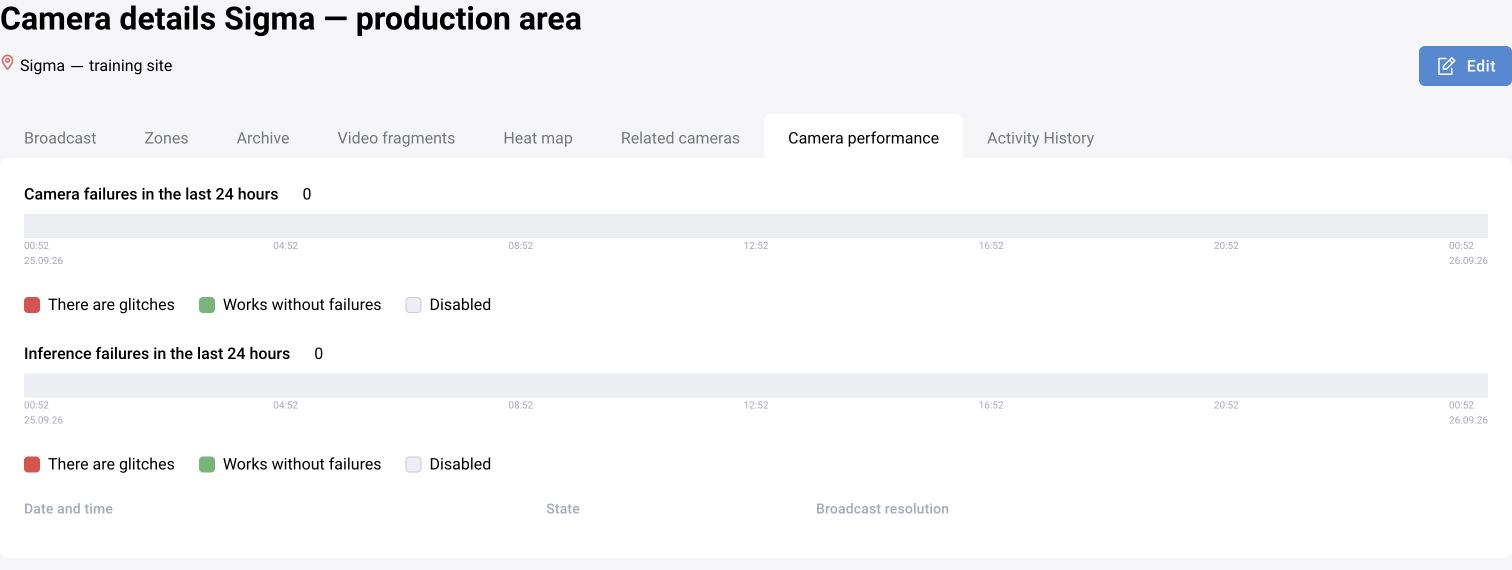
Detection and scenario processing
Verify the model state, available resources and running assignment. Inspect detections, tracks, zone filtering and event creation in sequence. Compare the failing episode against a controlled asset run.
Event storage and media
If events are created but not visible, check transport, storage, indexing, role visibility and filters. If a card has no media, distinguish unavailable source evidence from retention, storage or media-service faults.
Archive and reporting
Check requested time range, timezone, media availability and the configured report origin. Use the deployed service logs and identifiers to correlate components.
Escalate with evidence
Provide the interval, source identifier, versions, reproduction steps and relevant redacted diagnostics. Do not include credentials, access tokens or unrelated personal data in support material.
BOX 3.x symptoms and targeted checks
These are directions for diagnosis, not one-to-one explanations. Confirm a cause with logs and metrics. A restart may remove a symptom temporarily without explaining the fault.
| Symptom | Check | Next action |
|---|---|---|
| Detections disappear after reboot | Whether Kafka was ready when inference started; older releases document startup-order issues | After dependencies are ready, restart only affected inference according to the operating procedure |
| No detections and no neural-network stream | RAM, OOM events and DTS state | Retain diagnostics and check a compatible DTS version with operations |
| 502 when opening archived video | ui-rest logs, Nginx upstream and archive access | In a cluster, check node routing and the video retrieval path |
| UI opens but WebRTC video is absent | coturn reachability from the client network and COTURN_HOST_IP | Correct the route/address and retest the stream |
| UI loads indefinitely after configuration | config.json existence and validity, and API access | Restore a valid configuration and check the API response |
Inspect Grafana / Loki around one incident
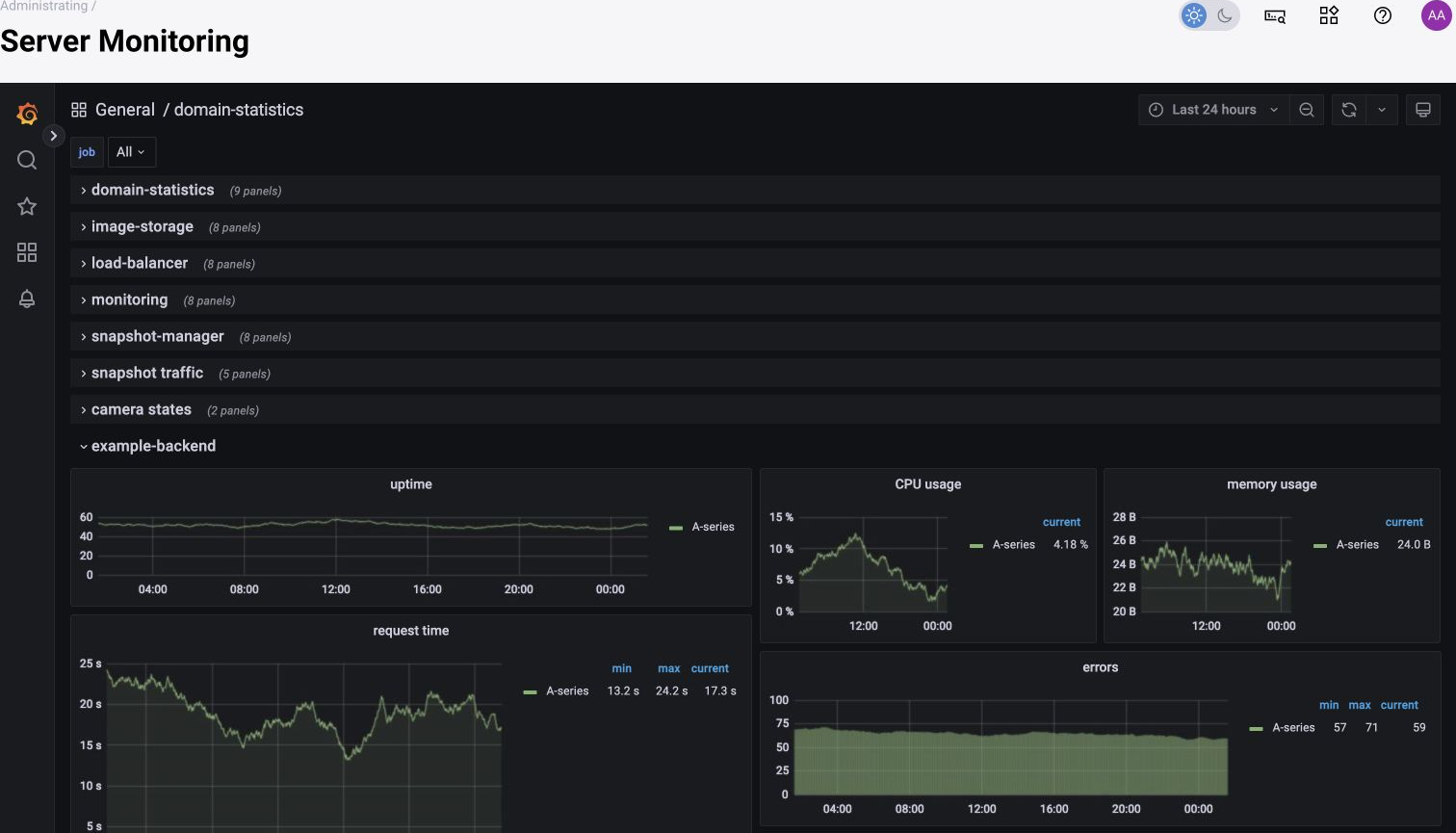
In Grafana, open Explore and select the Loki data source. Start with the failure interval, then narrow to the node and service. Collector label names vary: select labels that actually exist in Explore. Use the account issued for the deployment.
Keep the time zone, camera/site, service, node, image version, error and preceding context together with CPU/GPU/RAM usage, disk occupancy and recent configuration changes. For a test run, also retain launch_uuid and model/scenario versions. Inspect neighboring services in the same interval; a successful API request does not prove message delivery or media persistence.
