
Sandbox: step-by-step debugging
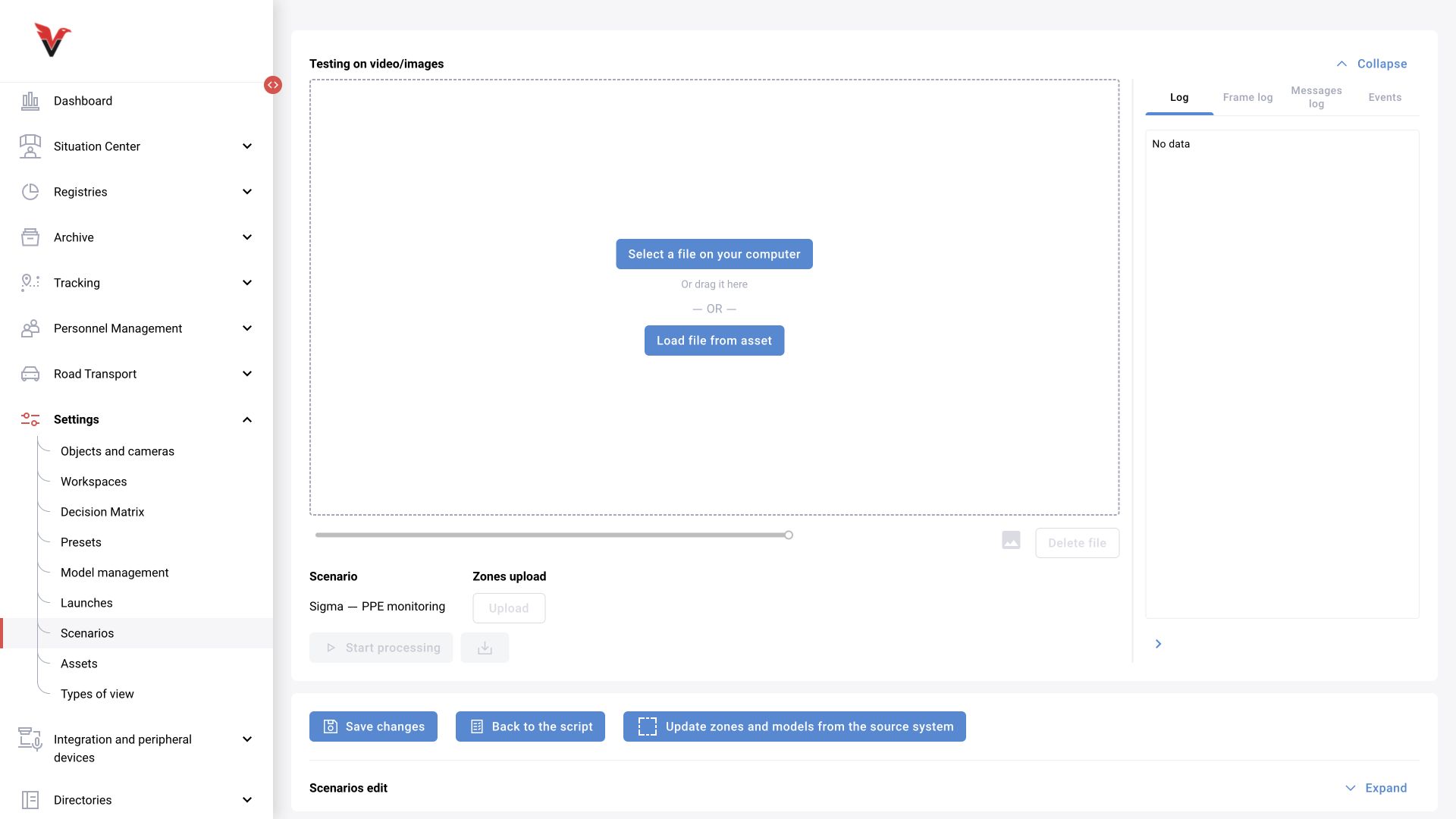
In the “Video/image testing” panel, select a local file or click “Load file from asset”. When selecting an asset, specify the resource, its version and the required file. The test file's annotations must match the zones expected by the scenario.
| Element | Use |
|---|---|
| Select file on computer | A quick local test using approved material |
| Load file from asset | A repeatable test using a saved dataset |
| Load zones → Load | Apply prepared zones; check their types and geometry |
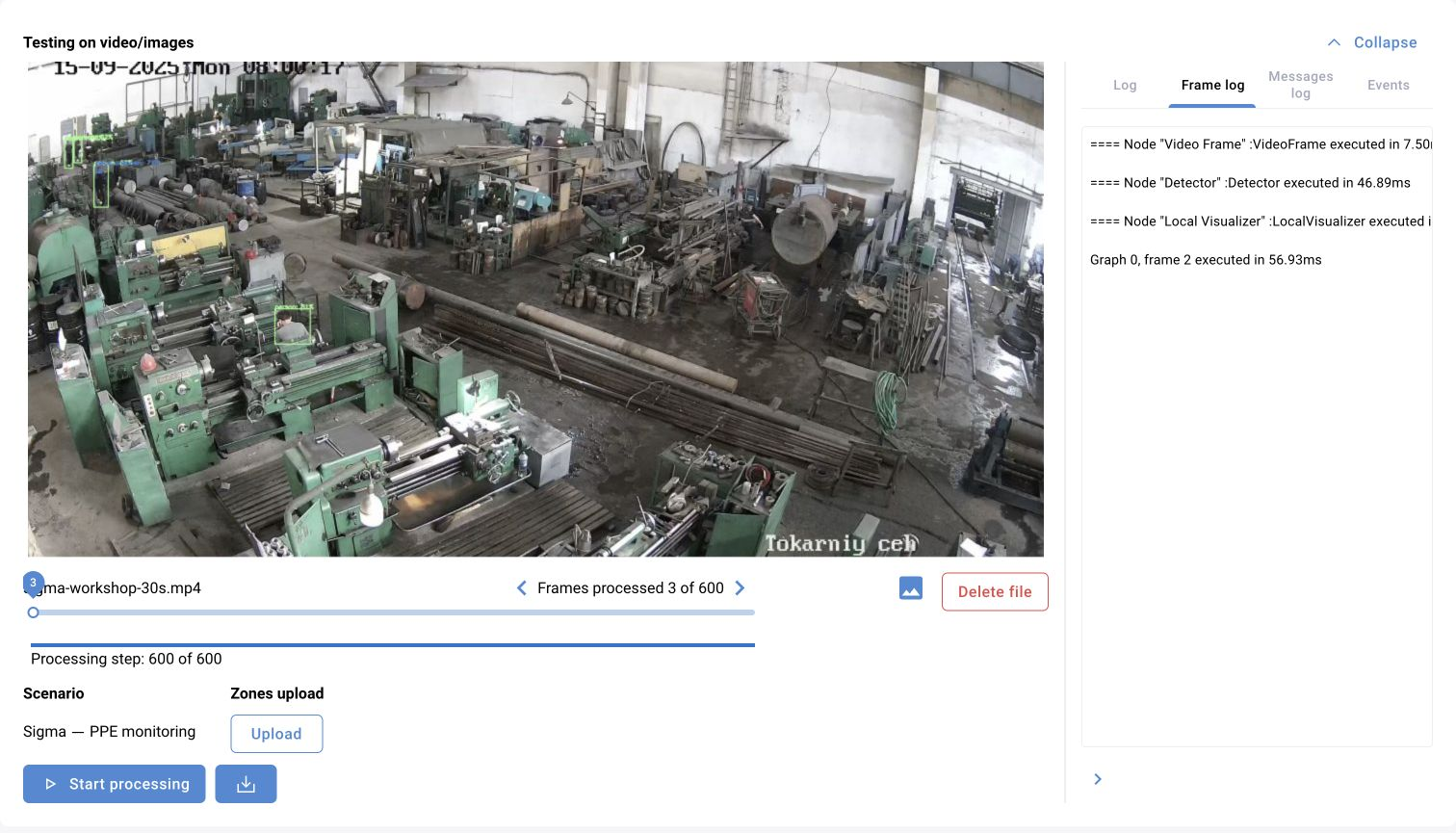
| Start processing | Execute the currently deployed graph on the selected material |
| Visualization | Check bounding boxes, tracks and diagnostic overlays |
| Timeline / frame | Frame-by-frame inspection of a specific moment |
| Log | Initialization, execution and errors |
| Frame log | Result for the selected frame |
| Message log | Message fields and intermediate node results |
| Events | Events generated during the test |
| Download video with visualization | Material for joint review of the result |
Start with a short clip. First confirm that the model has loaded and frames are being processed. Then locate the first incorrect stage: bounding boxes → tracks → attributes → filters → events. Shortening the time window is pointless when initialization fails: execution has not started yet.
Record for one test: scenario/version; models/versions; asset/version/file; frame parameters; zones; start time; expected episodes; actual episodes; latency; missed and false events; logs; conclusion and author. When comparing thresholds, change one significant parameter at a time.
The training graph in the illustration contains only VideoFrame → Detector → LocalVisualizer. It demonstrates obtaining detections and displaying them. Until it contains event creation and delivery nodes, it cannot be expected to produce violation log entries. This edition does not claim a repeated complete run of the business rule.
Acceptance and operational handover
Check five levels before release:
- Resources: models are ready, versions are fixed, the asset is reproducible and categories match.
- Logic: positive, negative and boundary examples produce the expected results; time and coordinates are consistent.
- Camera: the required version is assigned, zones and individual settings are correct, and the schedule and analytics are enabled.
- Process: the event is visible to the intended operator, the decision is saved, and notifications/integrations work in the intended mode.
- Operations: the responsible person, previous version, rollback procedure, fault criteria and support request data are known.
The final scenario record includes: objective; limitations; graph and model versions; zone layouts; camera parameters; test set; measured results; go-live conditions; rollback procedure; date and responsible person. A quality statement must reference a measurement, not the “99%” figure that describes the breadth of the scenario approach.
Common scenario errors
| Symptom | Possible cause to check | Action |
|---|---|---|
| Changes disappeared after leaving | Only “Deploy” was used | Save the logic using the outer button and check the version details |
| Scenario is not visible during assignment | A draft or an unprepared dependency | Complete publication, check the model and permissions |
| No detections of the required class | The class is not enabled or an early-stage threshold is too strict | Check Detector output before the filters |
| A zone is drawn but has no effect | An attribute was added without a filter / incorrect zone type | Check the zone code, message and attribute consumer |
| Bounding boxes exist but no events | The creation/delivery stage is missing or a time condition has not been met | Check events and every filter |
| An event repeats too often | Track breaks, a short interval or two branches creating a duplicate | Compare IDs, times and repetition rules |
| Absence from the workstation is not counted | Empty messages are filtered out | Pass on a zone observation with a zero people count |
| Behavior remains unchanged after an update | Individual settings were inherited | Compare assignment parameters with the version's base values |
| Some cameras were not updated | A unique assignment / camera selection | Check the actual list and the version for every camera |
| The test works but the live camera does not | Different zones, timing, quality, profile or load | Compare input and execution; test with material from the camera |