Catalogs
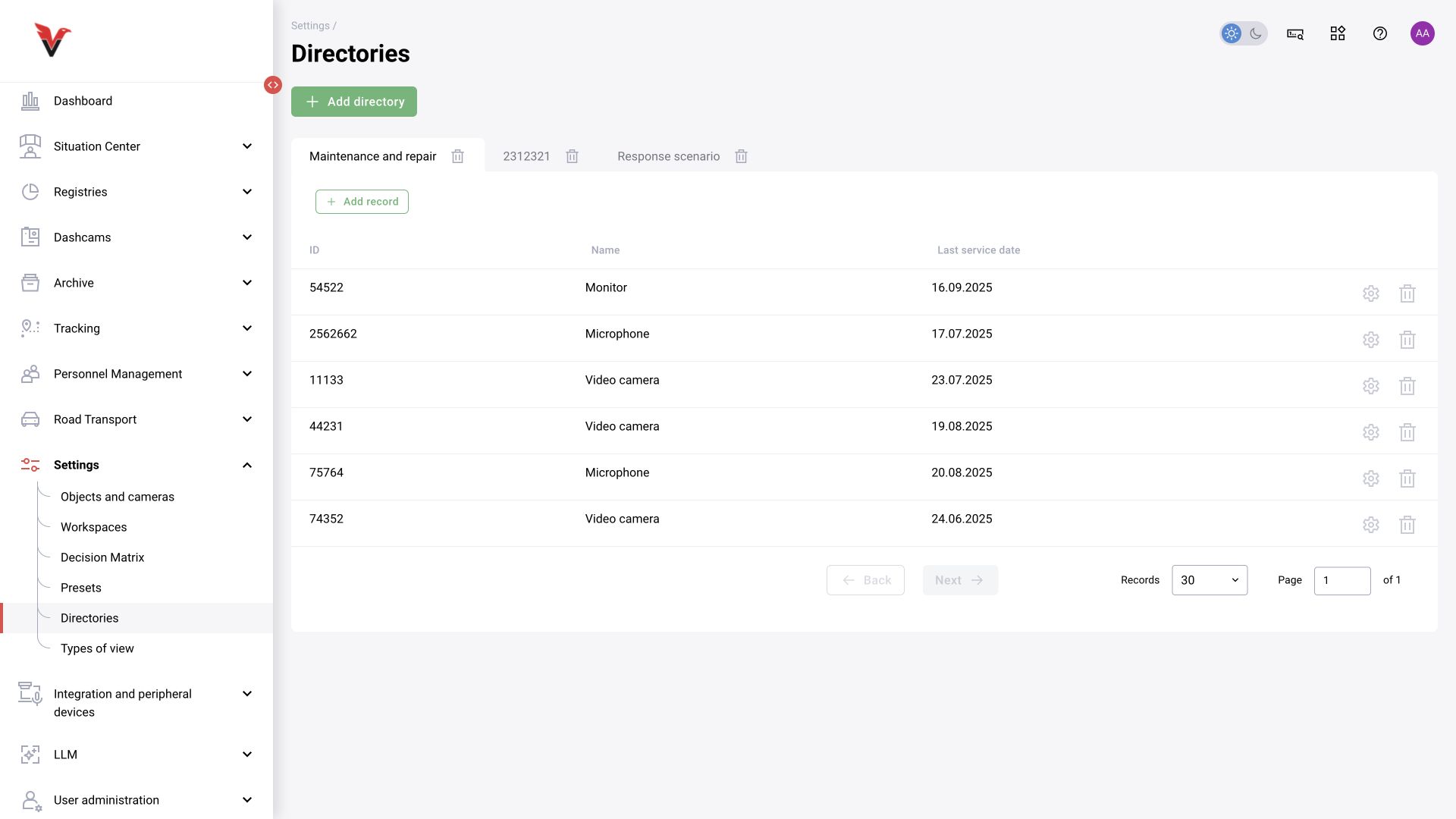
Path: Settings → Catalogs, /settings/directories/.
These are configurable tables for additional data. Existing catalogs appear as separate tabs; entries are rows with an ID and the configured columns.
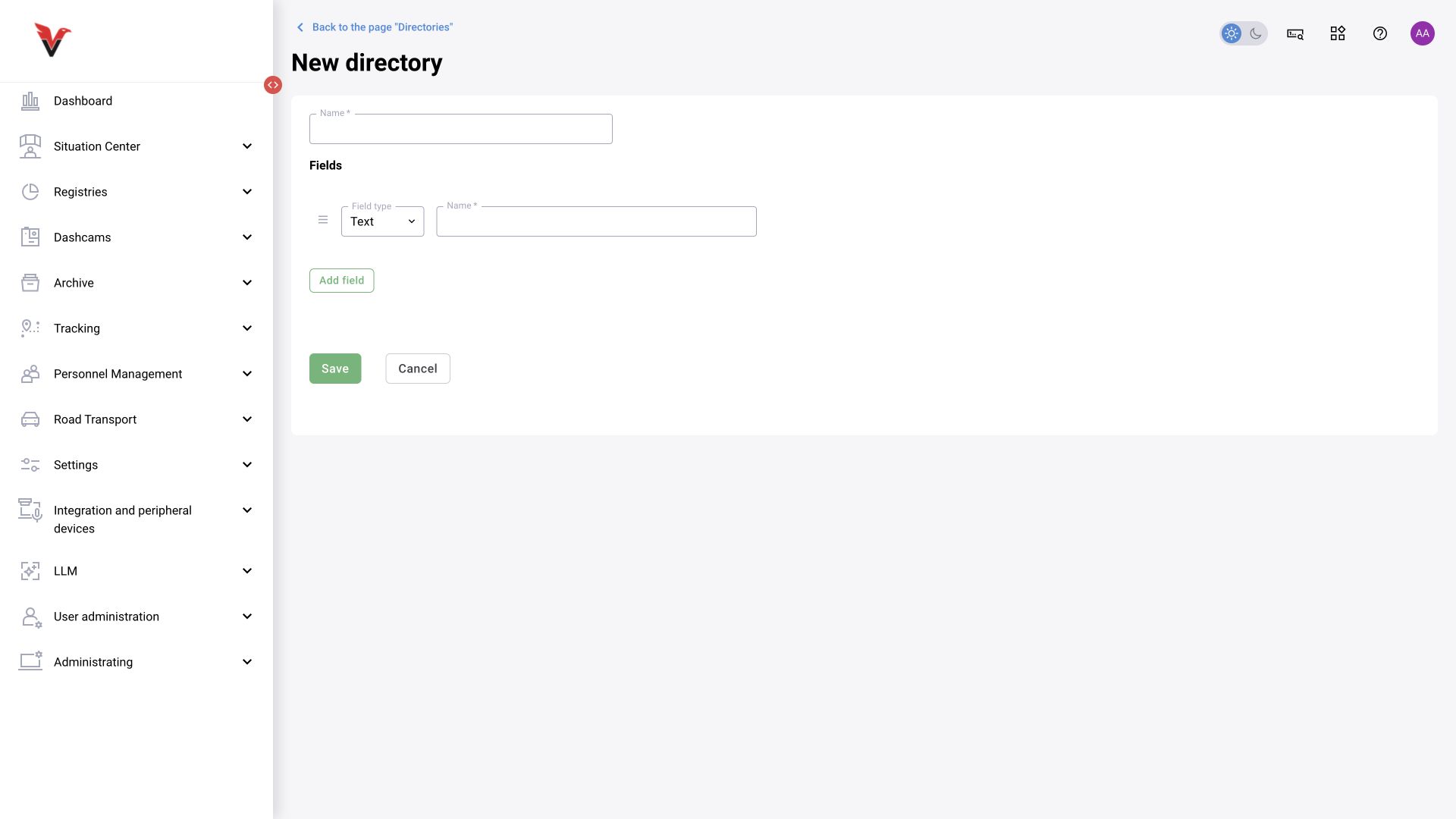
| Field | Input |
|---|---|
| Catalog name* | For example, Sigma — responsible departments |
| Field type | The inspected form provides “Text” and “Date” |
| Field name* | A clear column heading, such as “Responsible person” |
| Add field | Another column |
| Add entry | After creating the catalog, enter values in its columns |
Do not use a text column as a numeric one if you later expect automatic totals: a custom catalog does not guarantee calculations. Check structural changes against the processes and integrations that use the data. User and people catalogs are maintained in their own sections.
View types
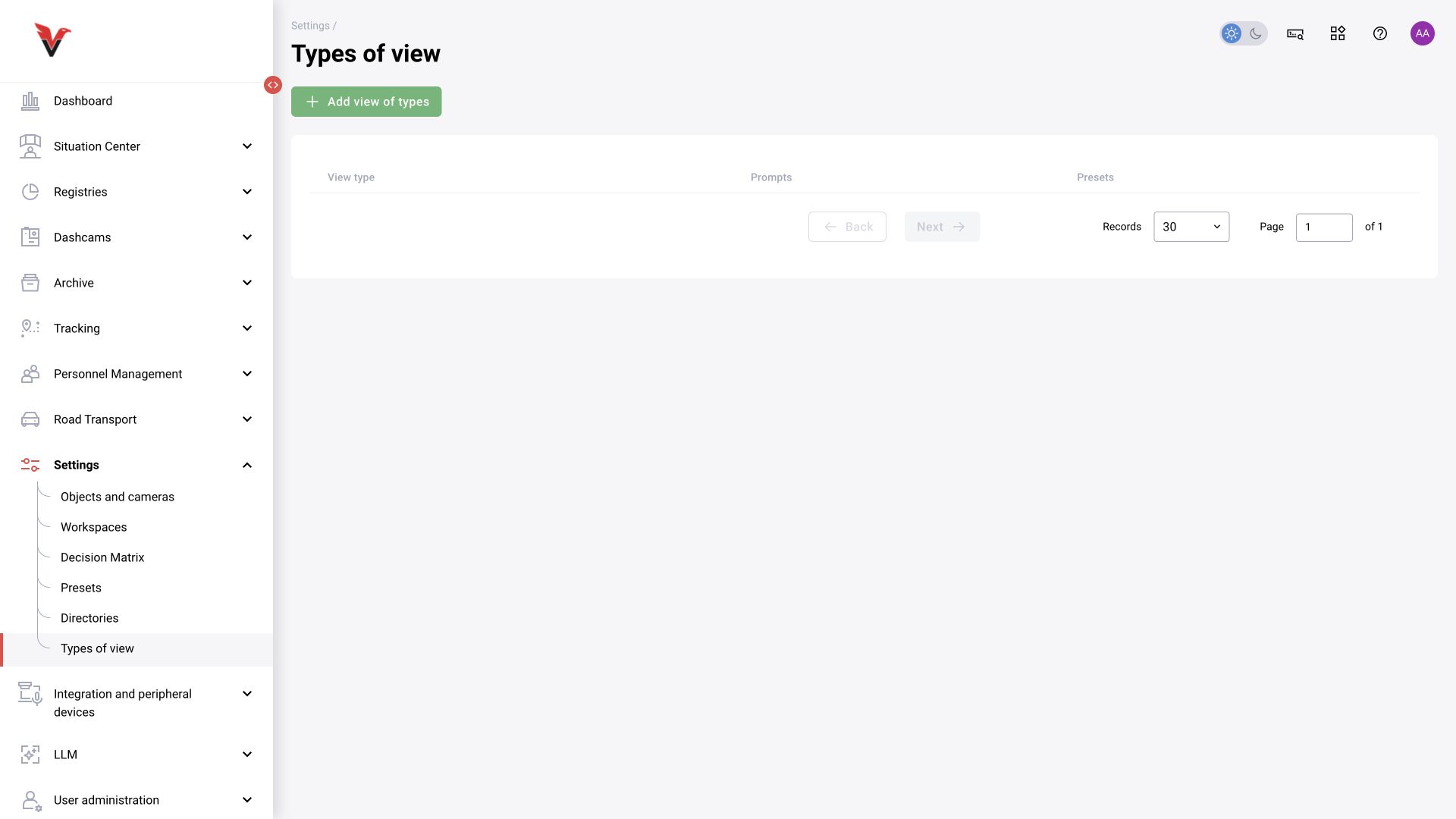
Path: Settings → View types, /settings/view-types.
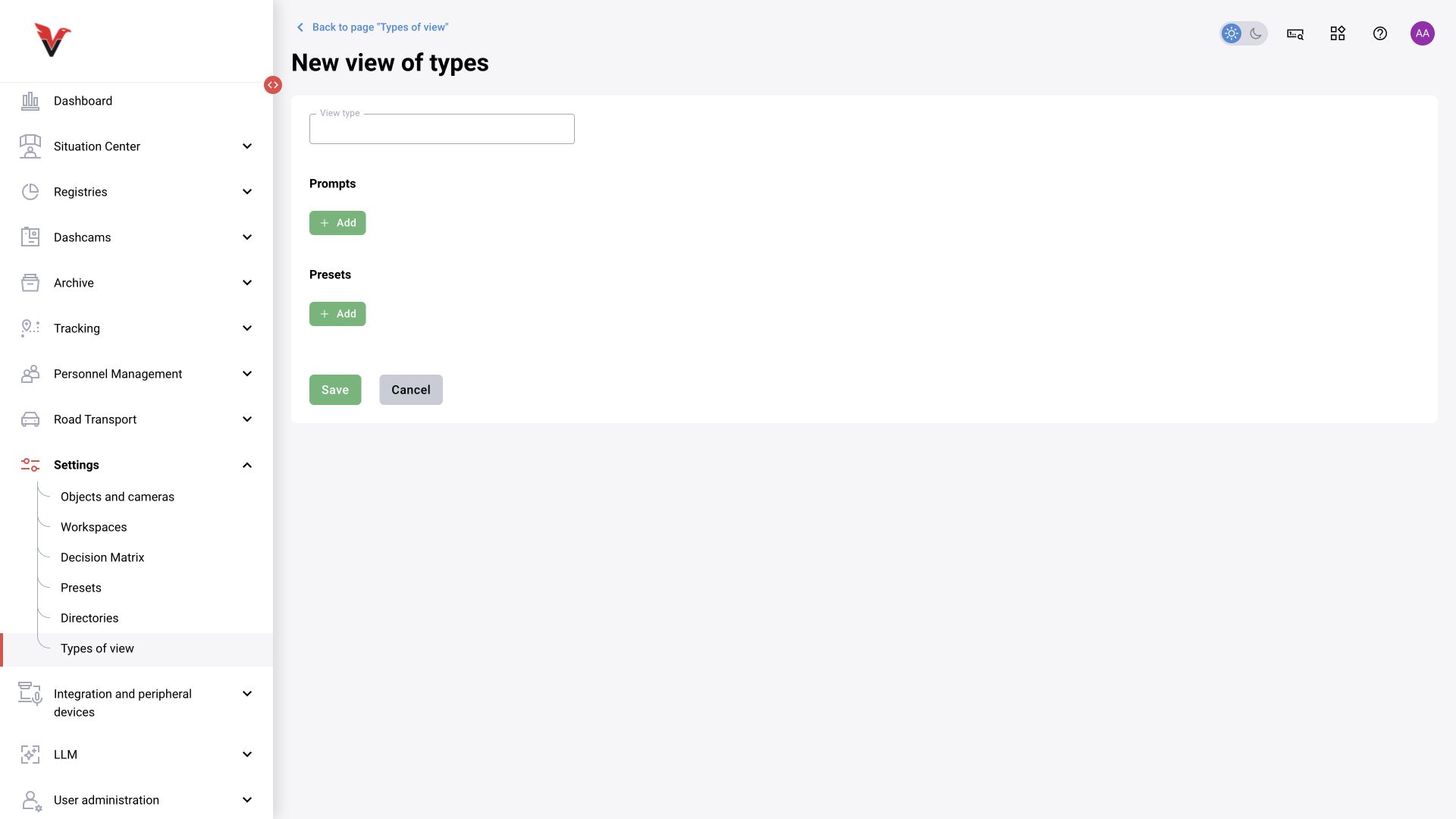
A view type combines settings for a particular kind of observation. The form contains:
| Field | How to use it |
|---|---|
| View type | A numeric field, not a free-text description; enter the agreed type ID |
| Prompts → Add | Select the LLM prompts associated with this type |
| Presets → Add | Select standard analytics configurations |
Do not invent a number without referring to your installation's type registry. Test the type assignment and the actual application of presets/prompts on a camera; a saved catalog entry alone does not prove that analysis is running.
Chapter sources: current forms; the source documentation “Sites and cameras”, “Camera information”, “Zones”, “Presets”, “Decision matrix”, “Workspaces” and “Catalogs”; closed issues BOXD-2603, 3866, 4337, 4662, 4876, 5194, 5278 and 5285. For links and applicability limits, see §17.