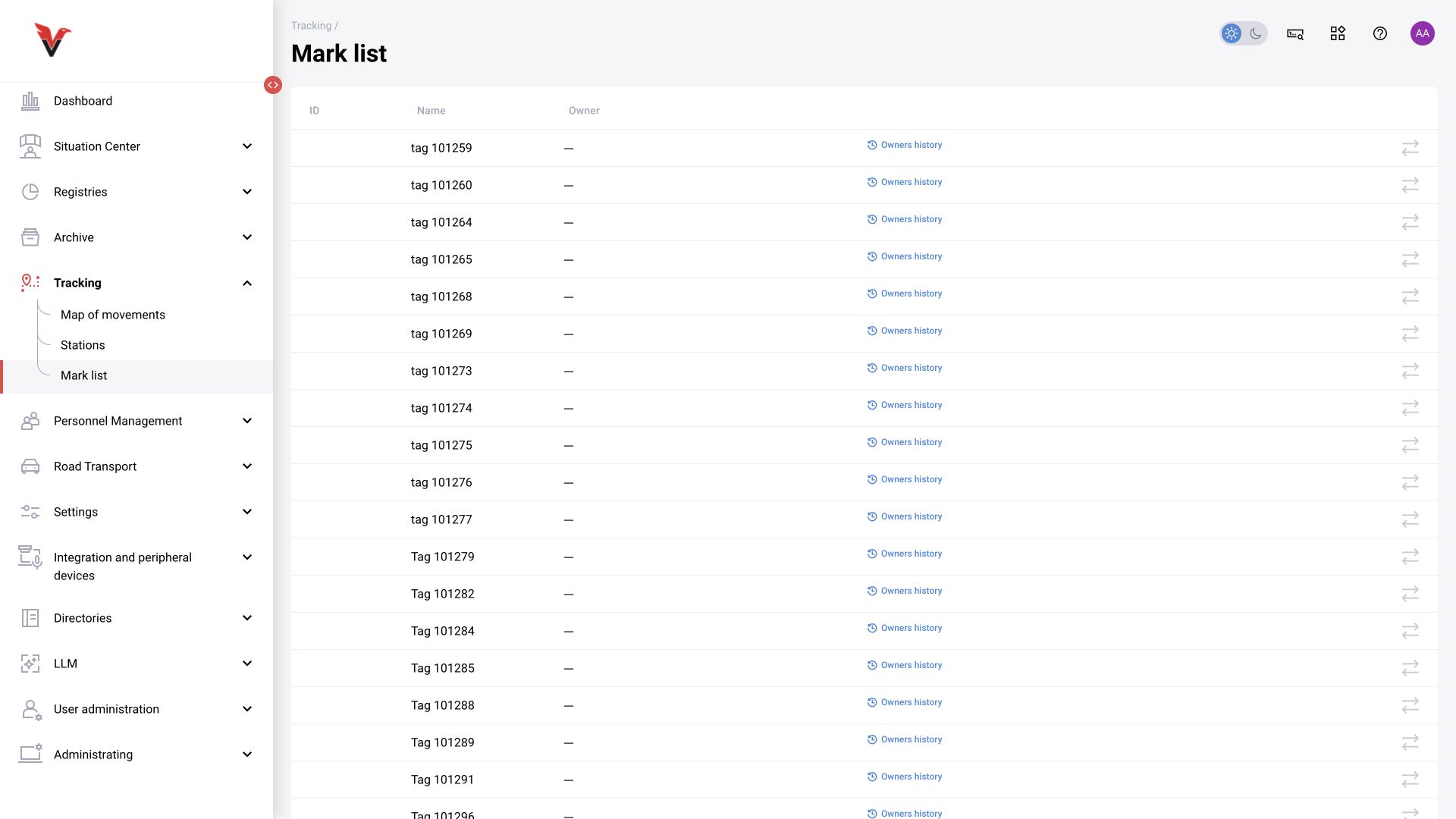
Movement map
Path: Positioning → Movement map, /positioning/tracking.
| Field | Meaning and input |
|---|---|
| Time from–to | Period for reconstructing the route |
| Full name | The person assigned the tag |
| Tag number | The specific tag; “Not specified” does not identify the required device |
| Show | Request movement points / records |
| Map / table | Spatial or tabular view |
| Map selection | Plan corresponding to the monitored area |
The route depends on positioning data and tag assignment history. It is not generated automatically from any ordinary video camera. If a tag was transferred to another employee, take the assignment time into account.
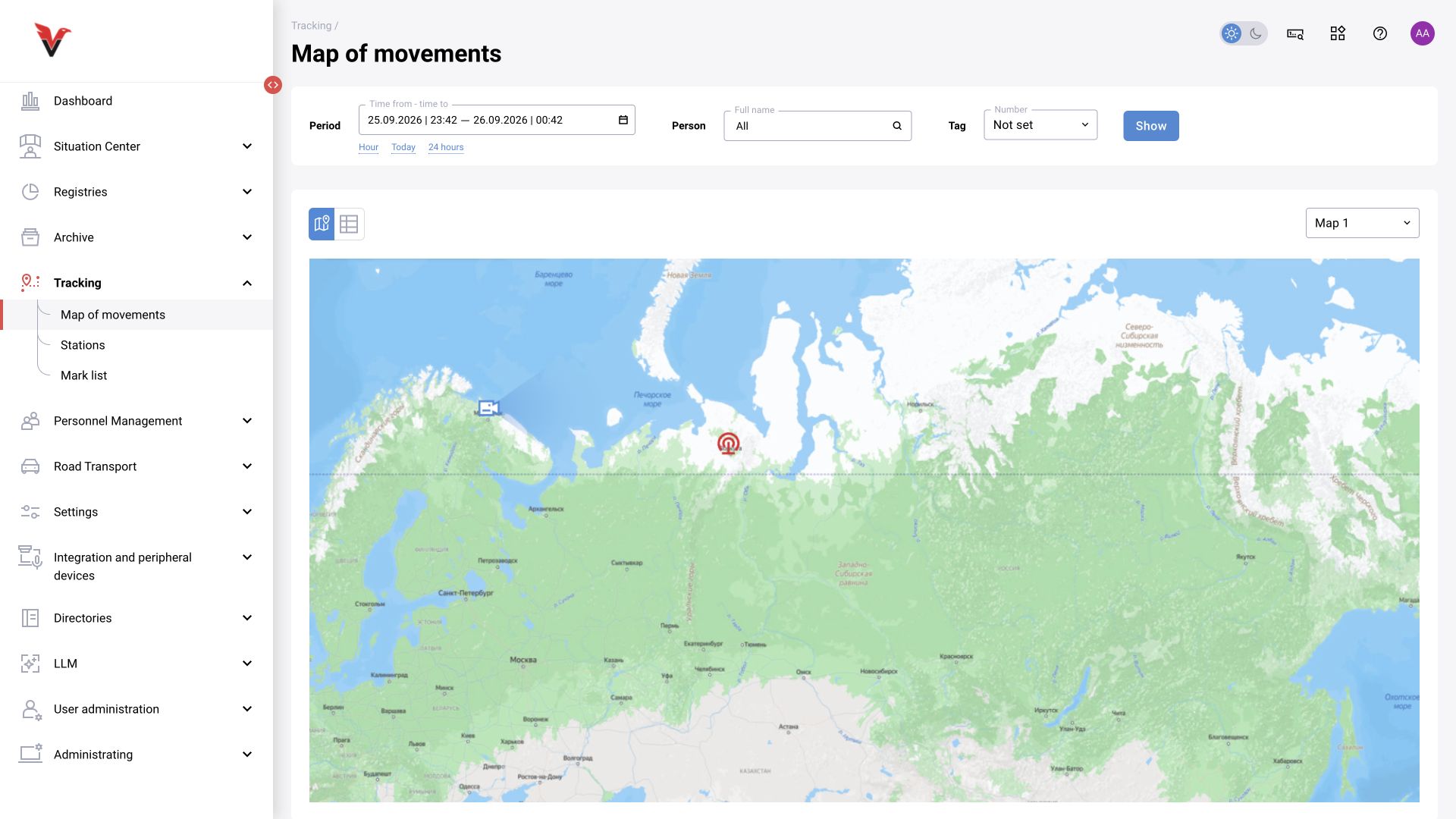
Stations
Path: Positioning → Stations, /positioning/stations.
The table contains UUID, station name, latitude, longitude, location and nearby cameras. The UUID identifies the device and is not replaced by a convenient name. Coordinates are entered in the accepted geographic coordinate system; latitude and longitude are separate fields. A link to a plan or site is required for correct display within the area.
The integration administrator edits a station, specifying a clear name, position and nearby cameras. Arbitrarily adding a station to the table does not connect physical equipment. Measurement acquisition must be configured in the positioning subsystem.
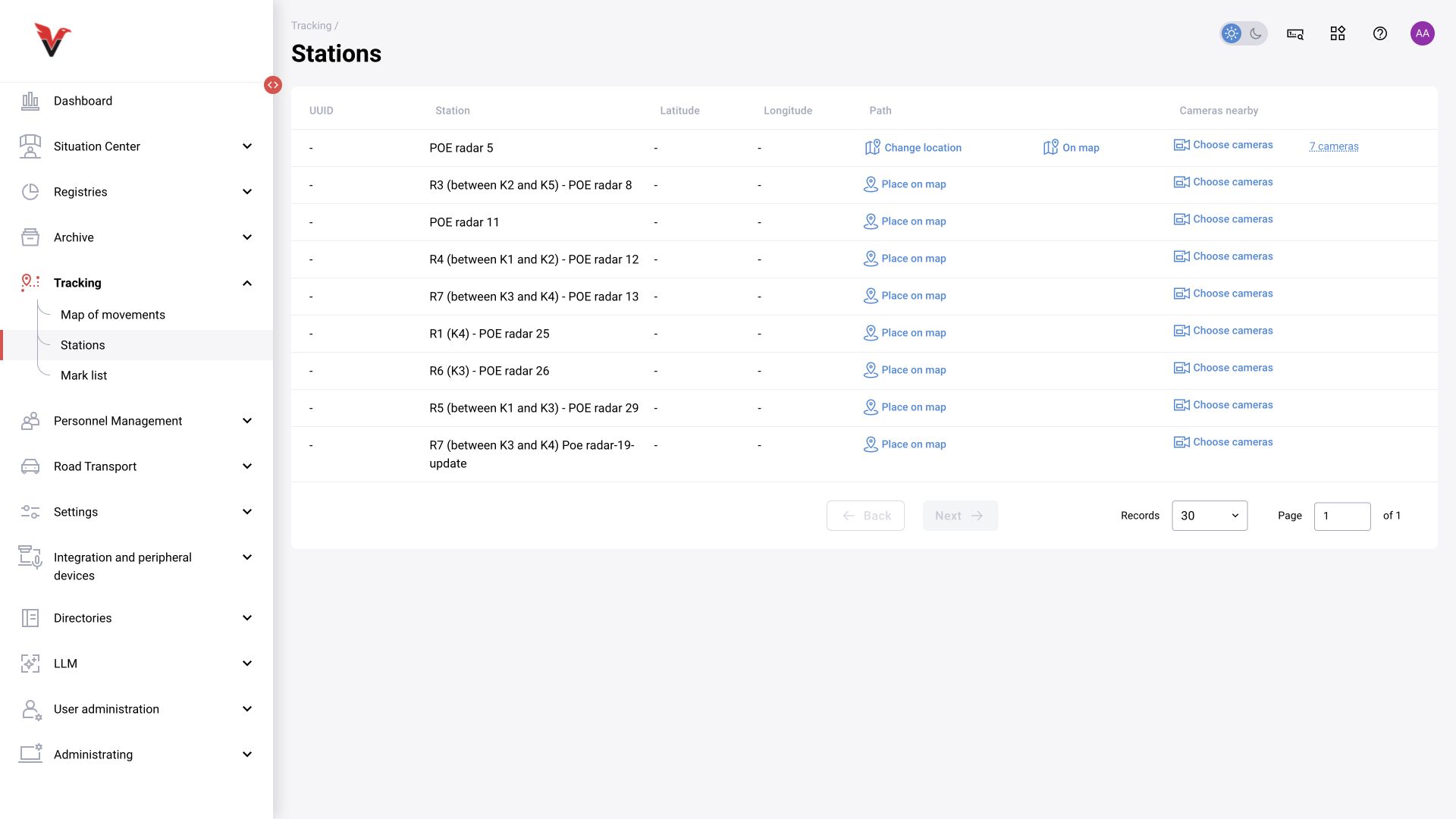
Tag list
Path: Positioning → Tag list, /positioning/mark-list.
Table: ID, Name, Owner. The owner is selected from the persons directory through “Change owner”: start typing the full name, select the correct person and save. “Owner history” shows the assignment date and person; a dash means there is no owner.
When issuing a tag, first check its identifier on the device, then select the person. Do not rename a tag to the person’s full name instead of assigning an owner: this loses the meaning of the history when it is next transferred.