
Record the source
Document the camera identifier, site, owner, stream access method, credentials handling, resolution, frame rate and codec. Where a VMS is used, confirm that the required stream and archive access are available through the agreed interface.
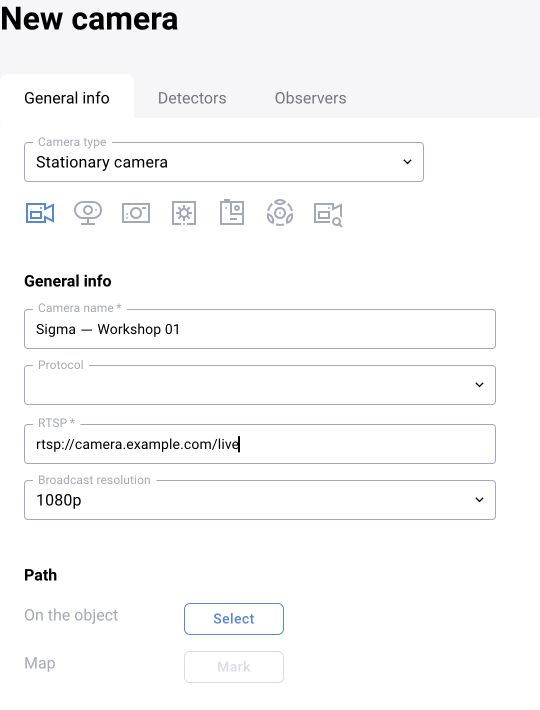
Choose the right view
Object scale, perspective, lighting, occlusion, movement and contamination affect model behaviour. A technically accessible stream can still be unsuitable for the intended task. Validate the actual view with representative footage.
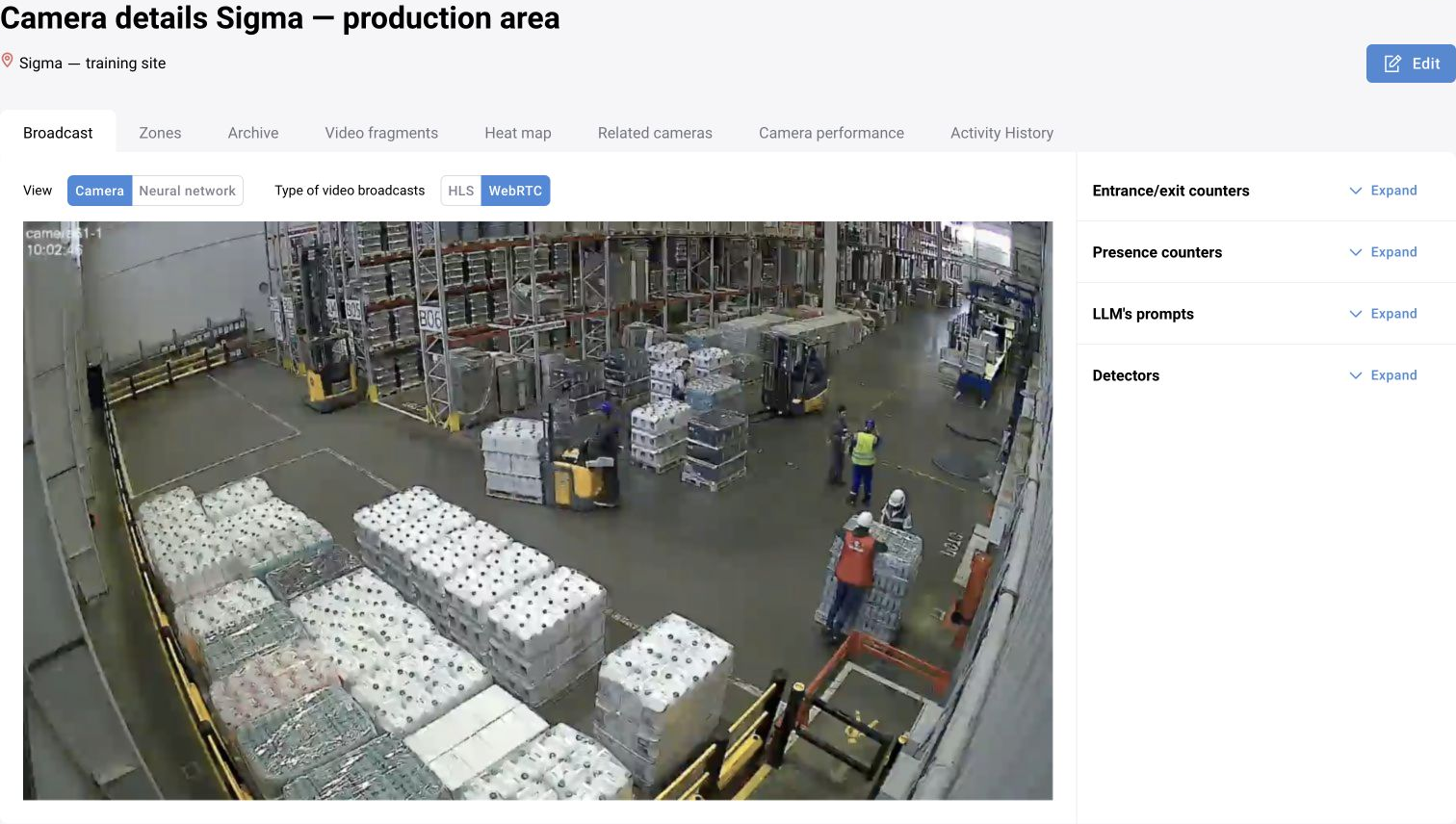
Verify acquisition
- Reachability from the processing node.
- Authentication and credential expiry.
- Stable decoding at the selected stream profile.
- Source time and the handling of reconnects.
- Availability of any media evidence required by the event workflow.
Assign analytics for the installed version
For BOX 3.x, assign a suitable preset with at least one active detector, enable analytics and define the required zones. For Platform 4.0 / BOX 5.0 scenario workflows, use the documented route to assign the intended published scenario version and local parameters. The inspected BOX 5.0 camera form still assigns presets on the “Detectors” tab and does not show a separate “Scenarios” tab; do not assume these assignment mechanisms are interchangeable.
Test a control episode and trace the result through processing and event storage. A working video stream does not prove that its analytics is running.
- BOX 3.2 camera and preset settings
- BOX 5.0 camera form and version caveats
- Scenario assignment and version management
Plan the operating boundary
Assign responsibility for camera availability, stream-profile changes and network faults. Record which interruptions produce alerts and how a source returns to service. Use access values from the deployment’s private configuration, not public examples.
BOX 3.x presets and separate health states
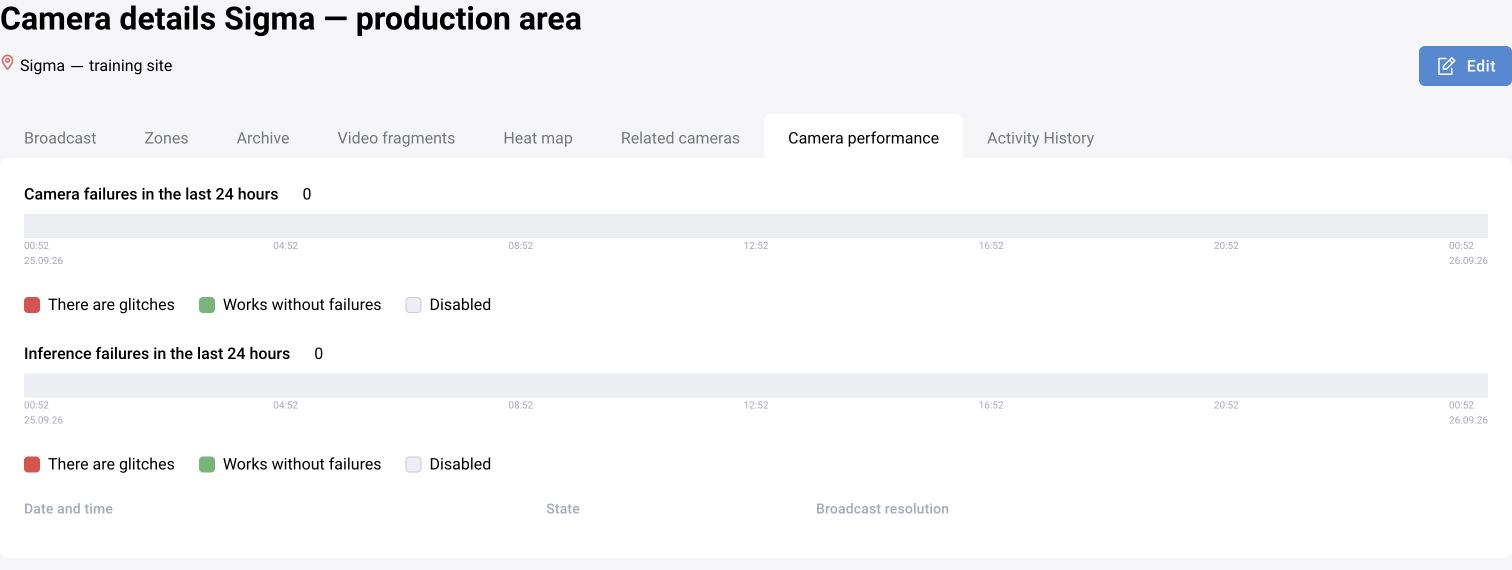
For the BOX 3.x workflow, assign a preset containing at least one active detector, enable analysis and verify the zone settings. Camera health and detector health are separate. The documented branch uses “Running”, “Interference”, “Not working” and “Off”; “Interference” can reflect recent interruptions even when the stream has recovered.
| Observation | Check |
|---|---|
| Camera running, detector off | Video is available but analysis is disabled |
| Camera running, detector not working | Check the preset and whether at least one detector is active |
| Camera off or unavailable | Restore the source first; detector operation depends on it |
| Video available on the server but absent in the browser | Check client video transport and coturn independently |
Validate WebRTC/coturn from the operator’s network when that playback method is used. If archive is enabled, separately test recording and reading the correct camera/time fragment.