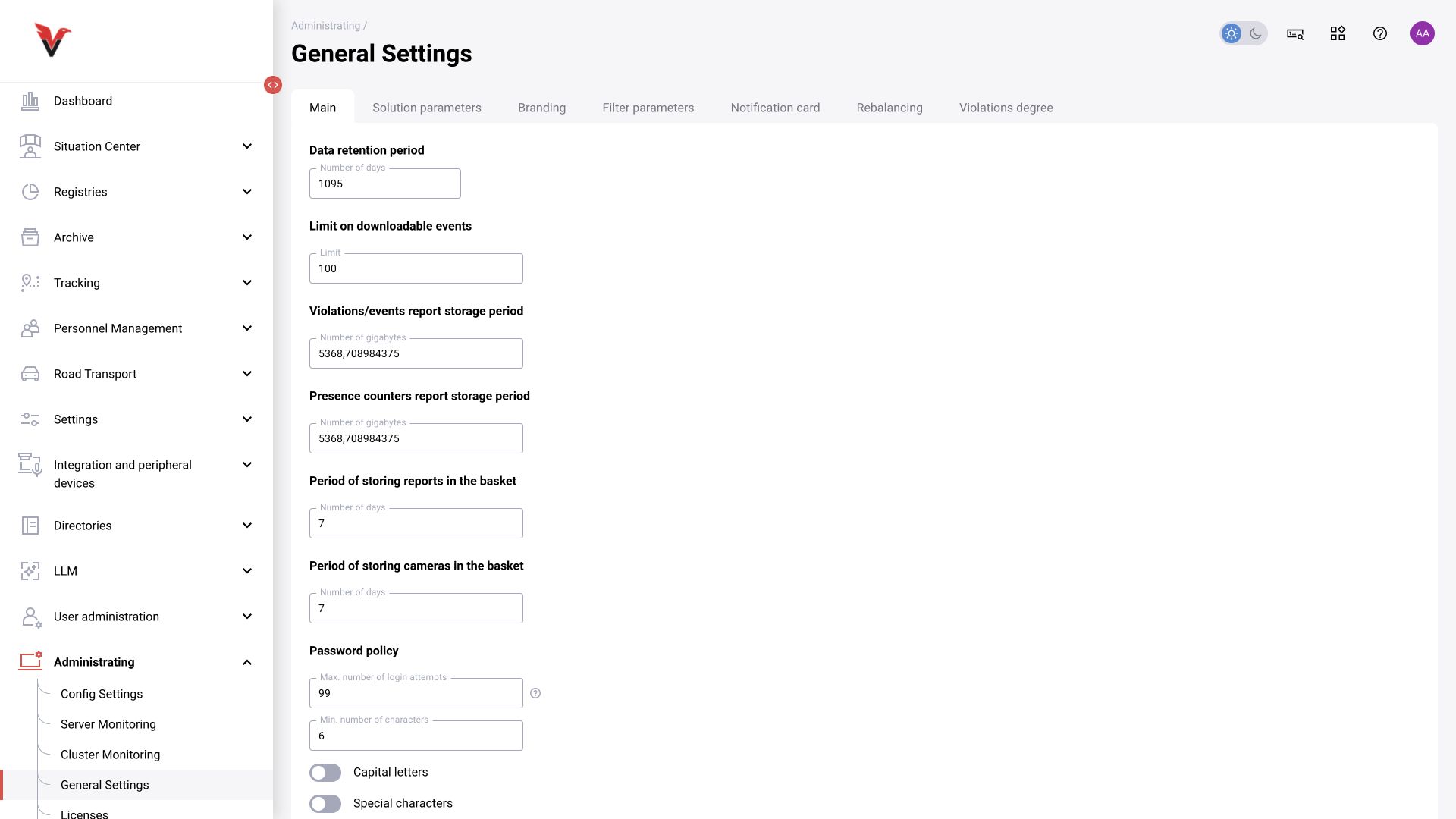
Global settings: general
Path: Administration → Global settings, /administrating/general/main.
Changes in this section may affect all users and cameras. The current form has seven tabs; their fields are listed below.
| Field on the General tab | Unit / meaning | How to choose a value |
|---|---|---|
| Data retention period | Days | According to history requirements and available capacity |
| Event download limit | Count | Limits export volume; a high value increases load |
| Storage for event and violation reports | GB in the current field | This is a volume, despite the adjacent word “period” in the interface |
| Storage for presence counter reports | GB | Capacity for the corresponding material |
| Report retention in the recycle bin | Days | How long deleted material remains available under the installation’s policy |
| Camera retention in the recycle bin | Days | Period during which deleted cameras can be restored through the standard procedure |
| Maximum login attempts | Count | Threshold for blocking/limiting login under the system policy |
| Minimum password length | Characters | Organizational requirements |
| Uppercase letters / special characters / digits | Requirement flags | Composition requirements for a new password |
| Do not reuse previous passwords | Number of previous values | How many prior passwords are barred from reuse |
| Password validity | Months or the available “Forever” option | Password rotation policy |
| Expiry warning | Days | How many days in advance to warn the user |
Do not confuse retention time with a size limit. Changing a setting does not restore data already deleted. When extending retention, check storage capacity and maintenance; after changing the password policy, check the login and access recovery procedure.
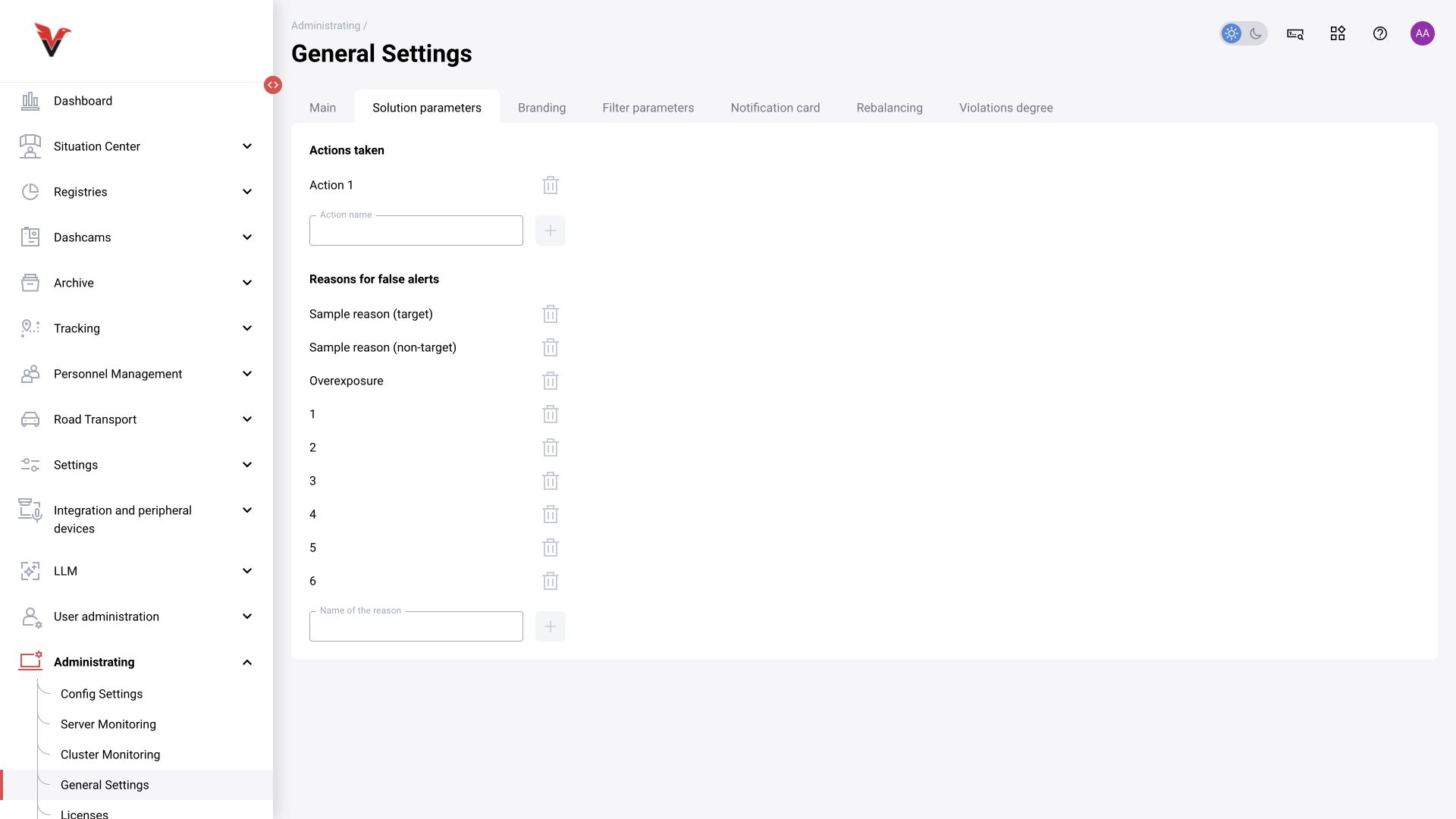
Global settings: decisions
This tab maintains the available measures taken and reasons for false events/violations. The form contains existing items, a new-name input, and add and delete actions.
Use short, unambiguous wording: Safety briefing conducted, Work stopped, Recognition error. A measure describes an action performed; a reason explains a rejection. Before deleting a value, consider its use in filters, reports and existing cards; do not give an old reason a new meaning simply by renaming it.
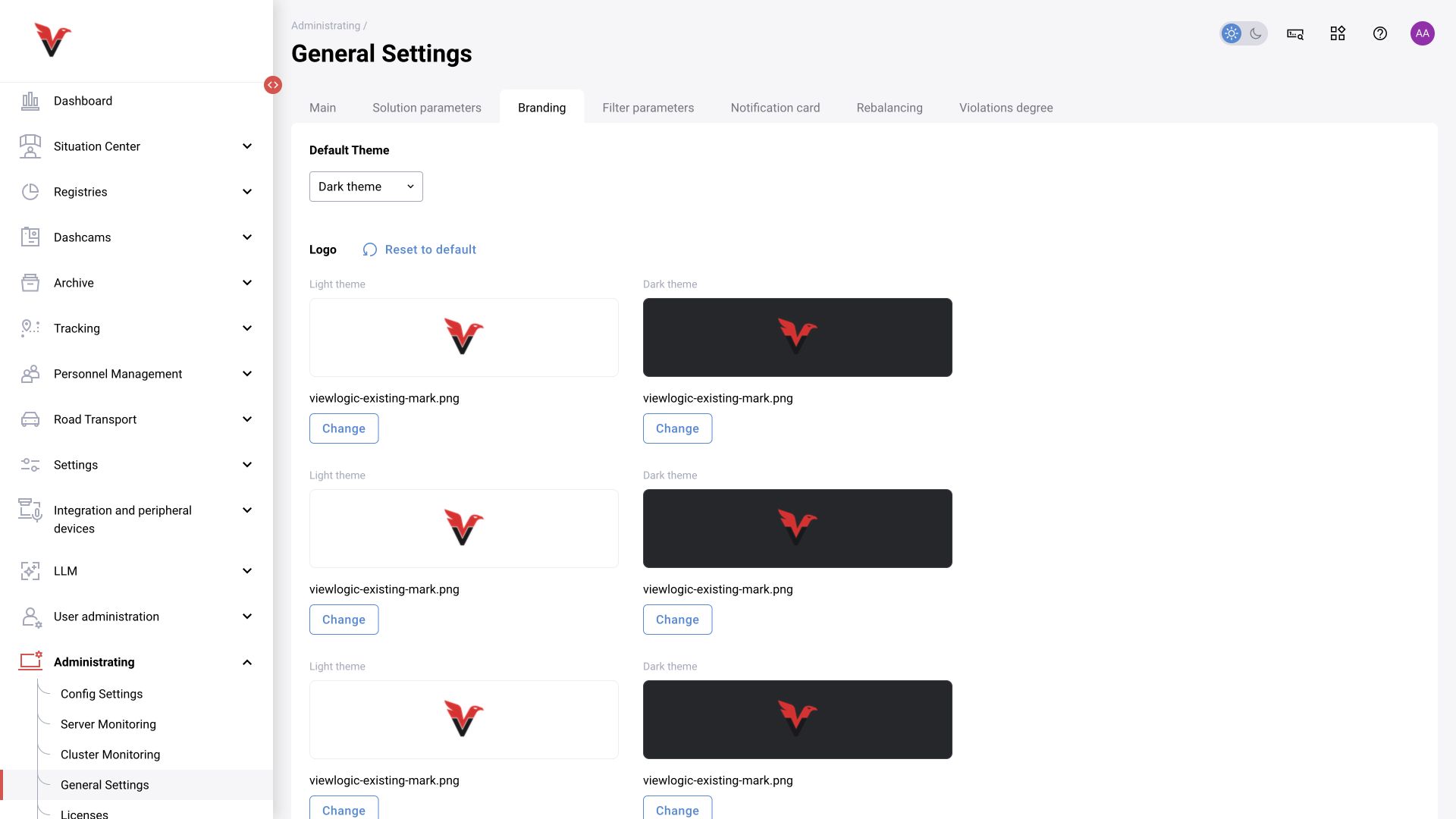
Global settings: branding
| Field / group | Purpose |
|---|---|
| Default theme | Initial interface appearance |
| Light/dark theme logos | Images for the corresponding background |
| Variants for widths of 1920/1280/1024/768/360 | Logo files adapted to the interface dimensions |
| Light/dark theme favicon | Browser tab icon |
| Background type / image | Background appearance in the supported mode |
| Upload / reset to default / save | Apply prepared files or restore the standard appearance |
Check readability in both themes and file sizes against the form’s hints. Do not upload a full-size photograph in place of a small icon. Branding does not change licenses or functional permissions.
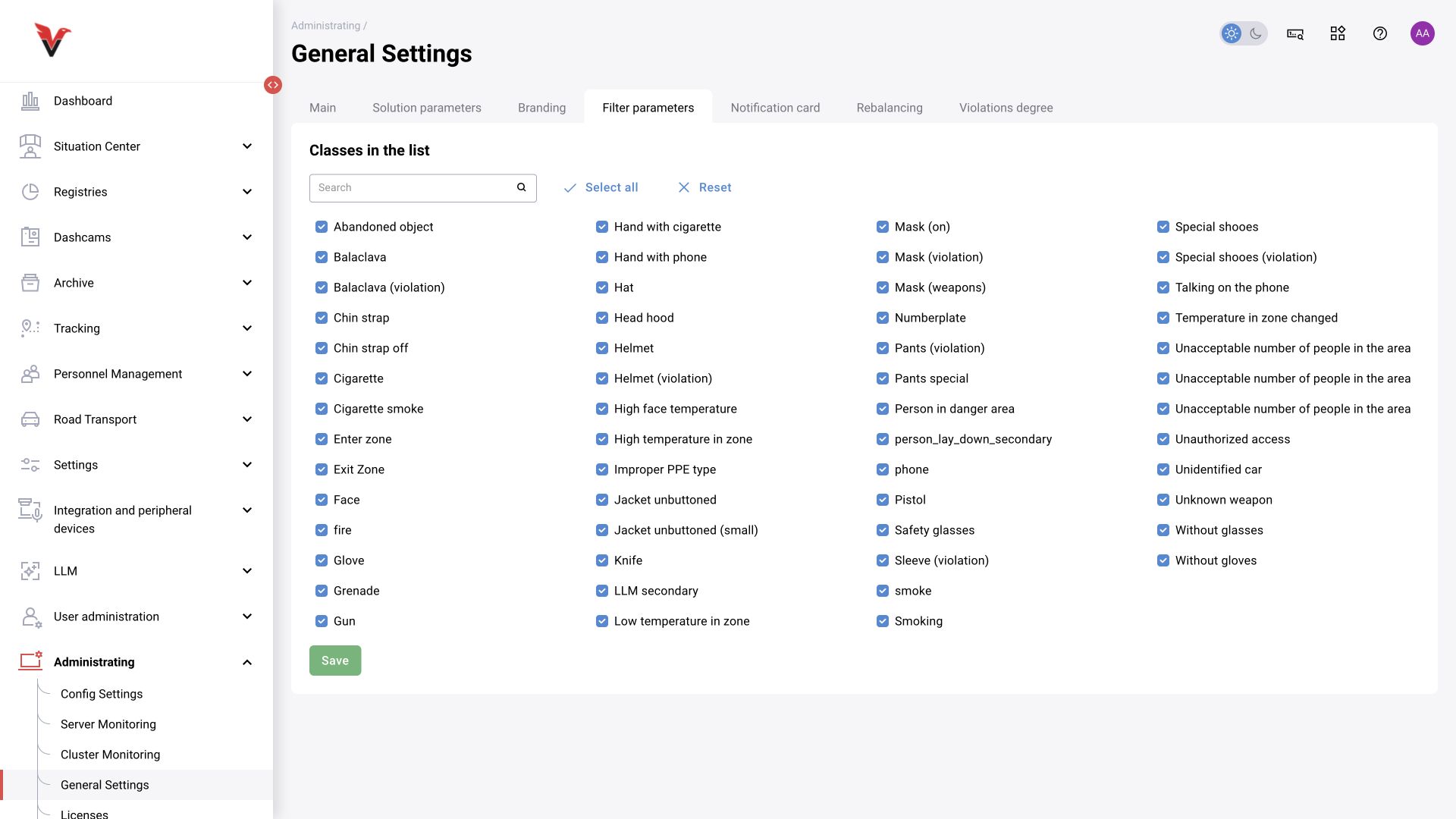
Global settings: filter parameters
A class list with search, select-all, reset and save controls determines which categories are offered in filters. Removing a category from this list does not disable its detector. To stop analytics, change the camera preset/assignment; to simplify searching, use this tab.
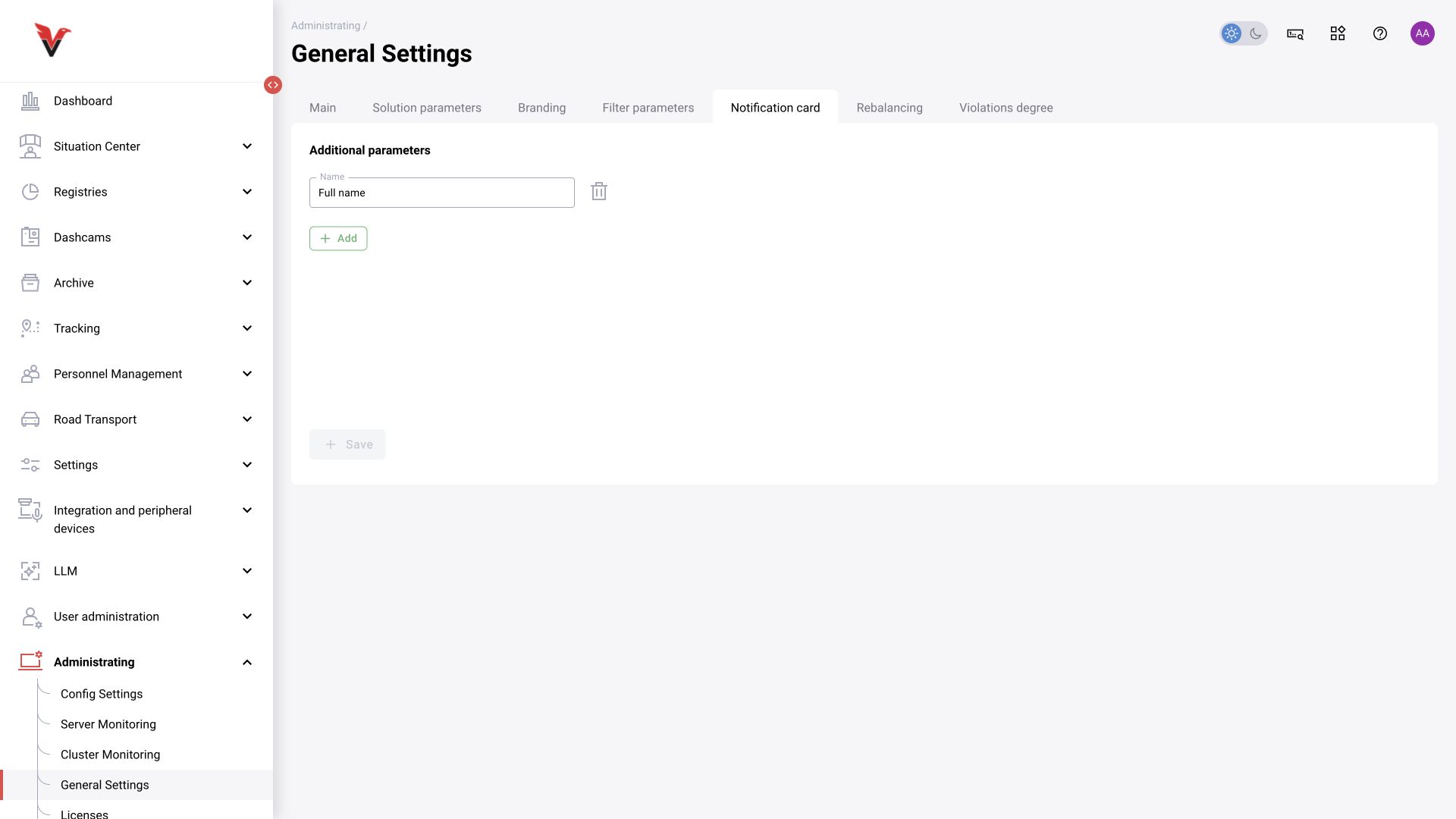
Global settings: event card
Configure additional card fields. The “Name” field sets the label; “Add” creates the next row, after which the changes are saved. In the inspected card, an additional field was displayed as a text field.
Example: Internal request number. First agree who will fill it in and according to what rule. An arbitrary field does not automatically become a personnel directory or a link to an external system. Development of this feature is documented in BOXD-4999.
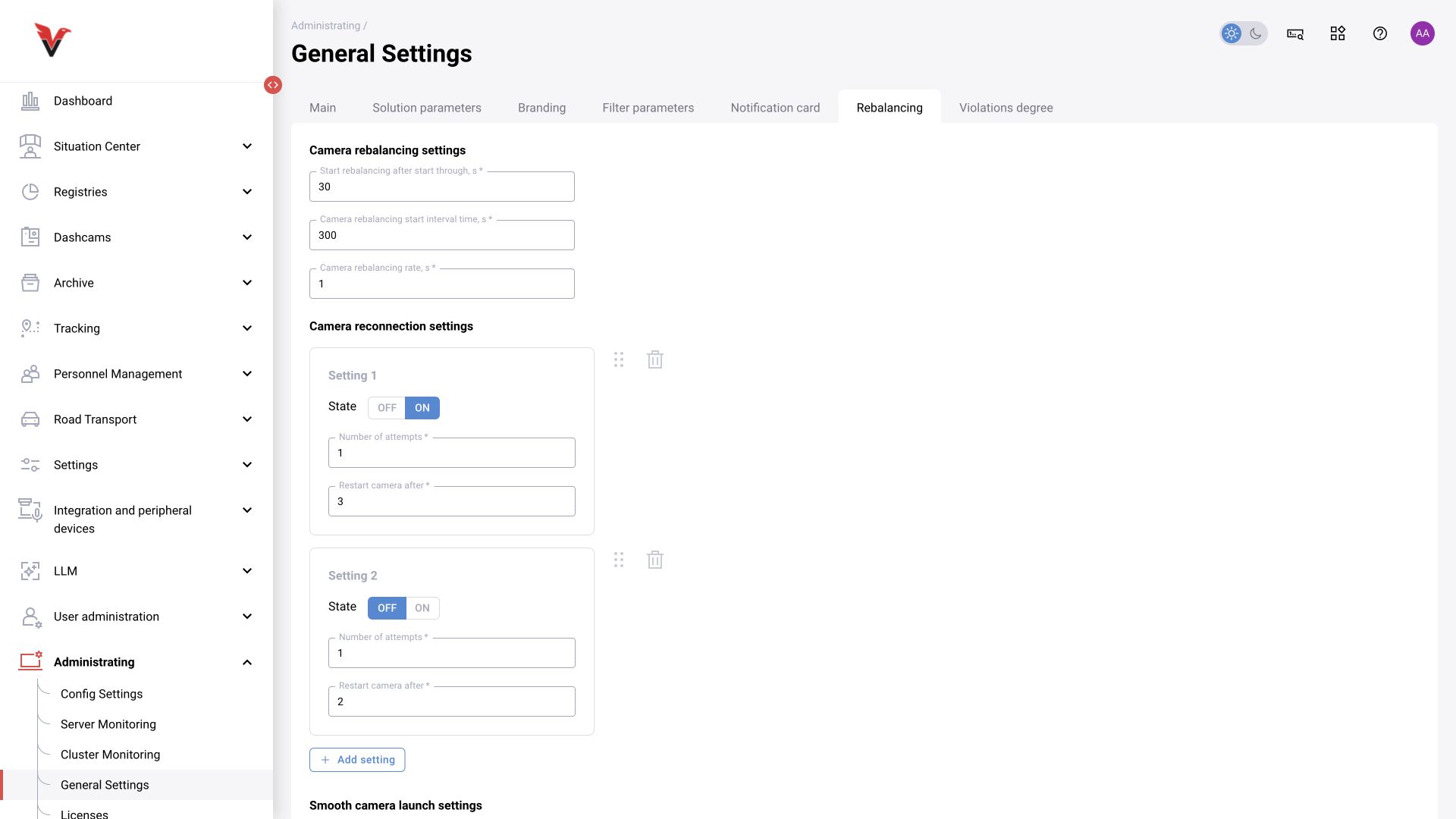
Global settings: rebalancing
These are technical parameters for distributing and recovering camera processing; they are configured by the integrator.
| Group / field | What it specifies |
|---|---|
| Startup delay, s* | Pause before the specified post-startup actions |
| Camera rebalancing interval, s* | Camera checking/redistribution interval |
| “Camera rebalancing coefficient, s” | This is the exact label shown in the form. Confirm the coefficient’s meaning and unit against the component contract; the “s” here is not sufficient grounds to treat it as a time value |
| Reconnection: OFF / ON | Whether the recovery stage is active |
| Number of attempts* | How many times to perform the corresponding stage |
| Restart camera after* | Pause before restart; obtain the unit from the current component hint/configuration |
| Add / delete / move | Composition and order of recovery stages |
| Gradual startup: cameras per iteration* | Size of the group of sources to start |
| Gradual startup: frequency* | Iteration frequency according to the setting’s contract |
Do not choose these values from field names without considering the load. Frequent restarts may conceal the original cause and reduce availability. Record the original configuration and the criterion used to assess the change.
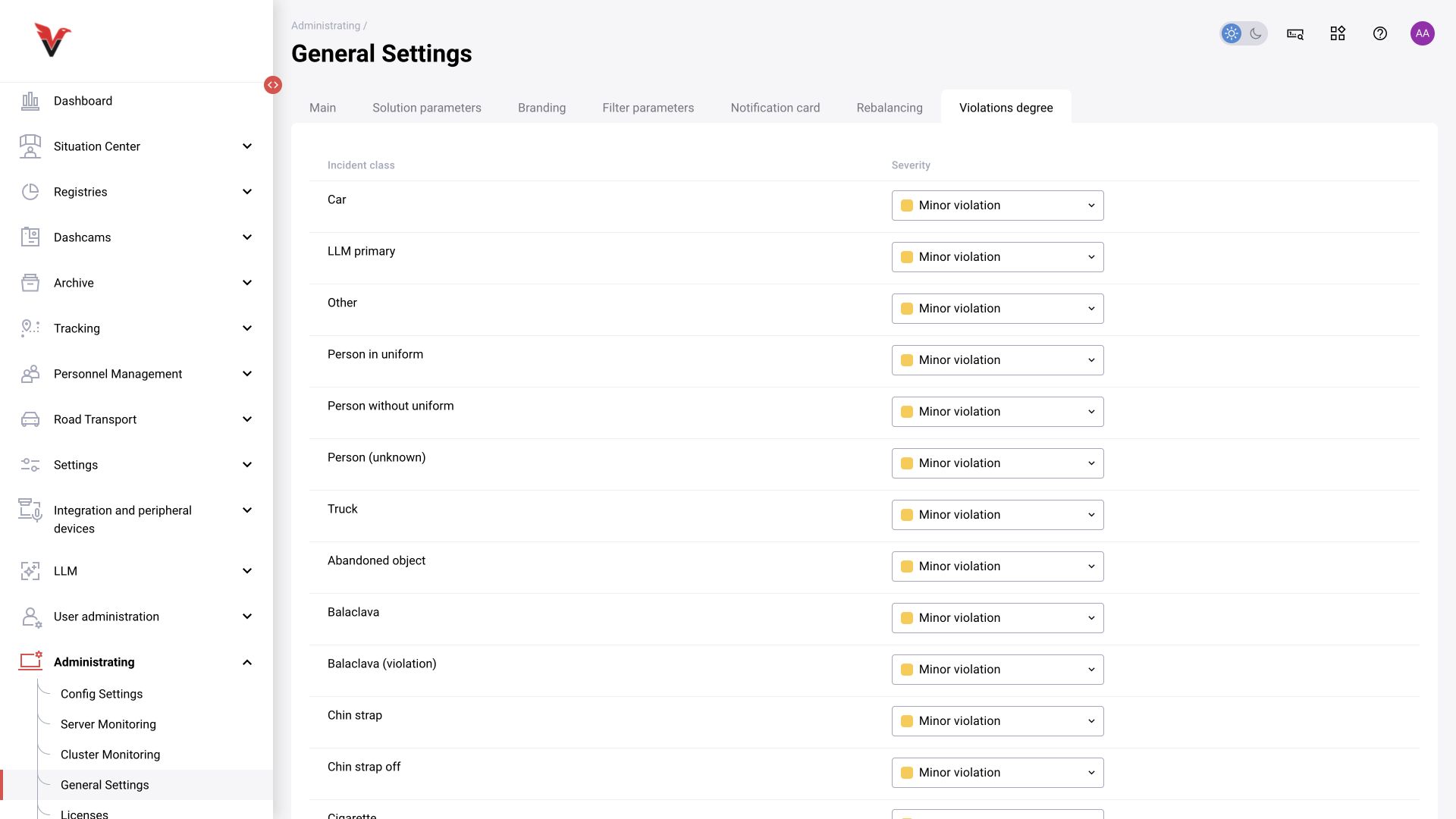
Global settings: violation severity
The table maps each class to a severity level; current values include minor/major categories. Select a value in the row for the required class and save.
Severity is used for classification and filtering. It does not represent model probability and is not equivalent to the operator’s “Violation present” decision. Align the list with the enterprise’s procedures so that the same category is interpreted consistently in reports.