Assets: test data and zones
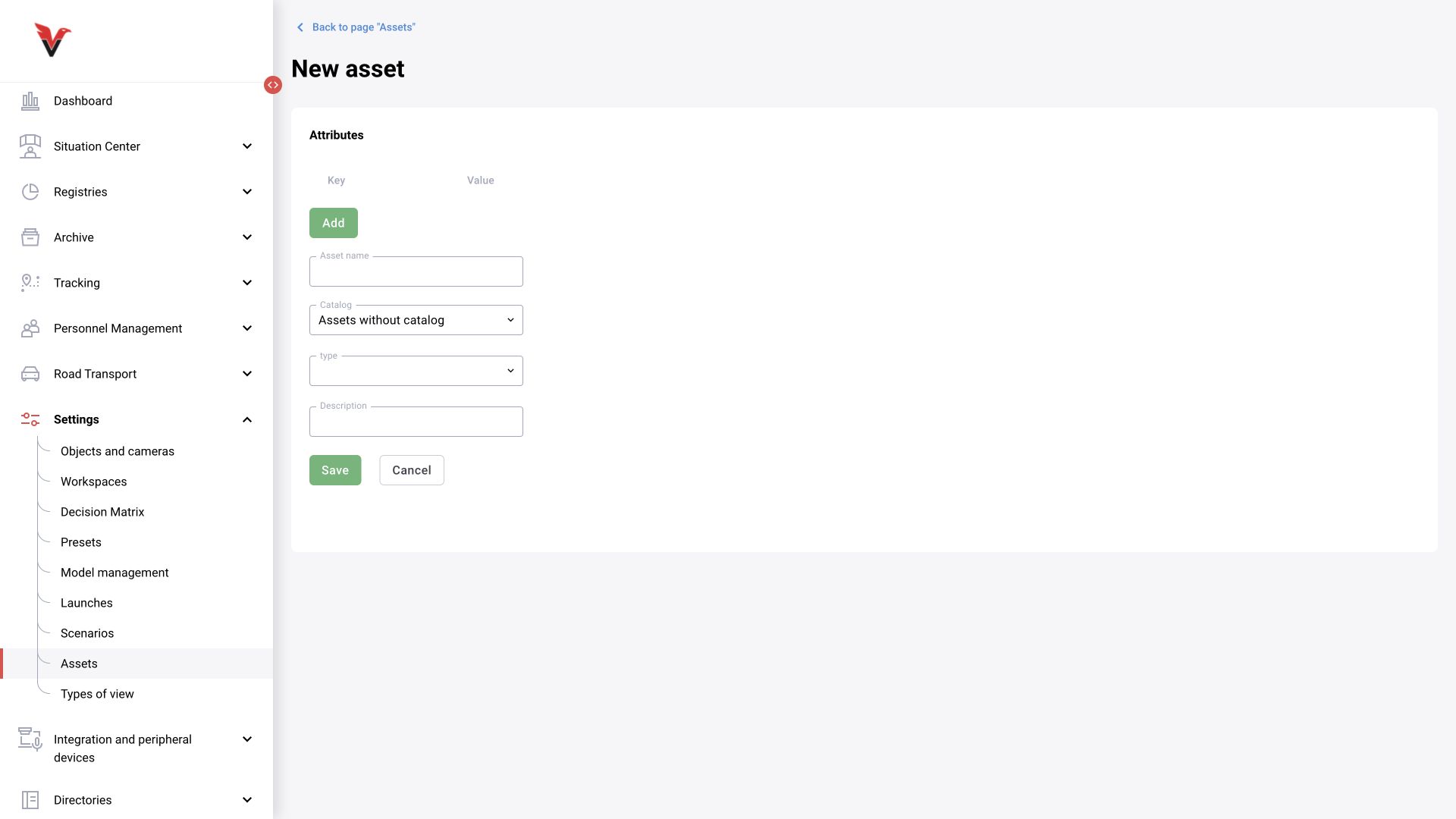
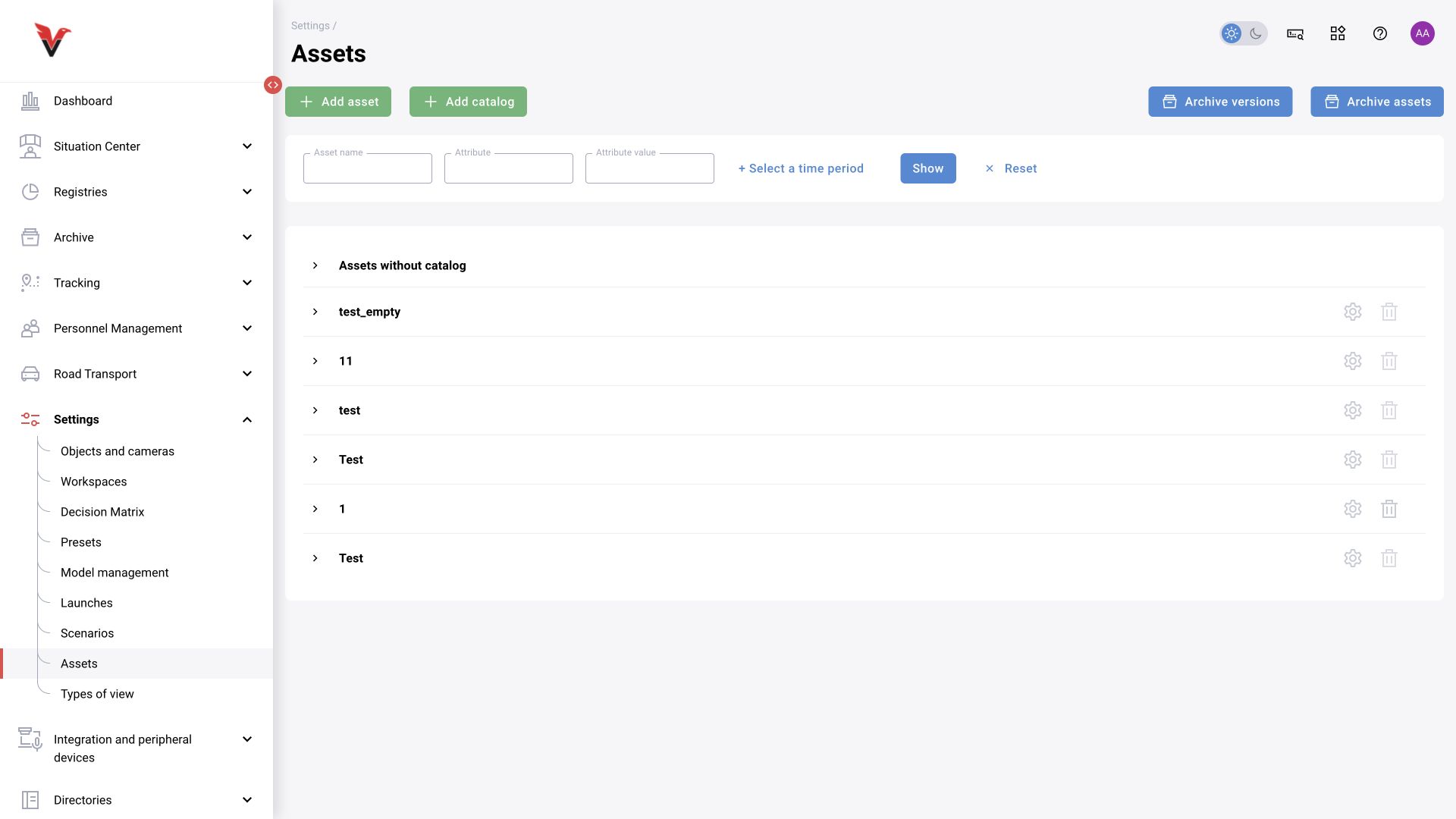
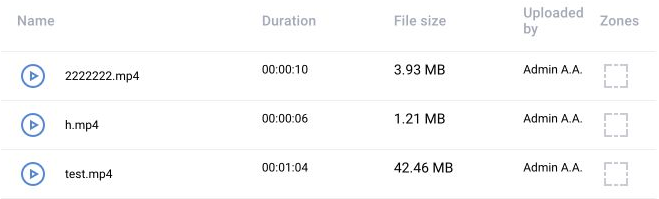
Path: Settings → Assets, /settings/assets. An asset is a versioned dataset for testing a model or scenario. It may contain images, video, and associated zone annotations. A regular file on your computer is convenient for an initial experiment; an asset supports reproducible version comparisons and collaboration.
| Field / entity | Meaning and example |
|---|---|
| Name | Sigma — workshop 1 — PPE monitoring — test |
| Catalog | A group of test sets organized by task or site |
| Type | An asset type from the available list; choose according to the set's content and purpose, not the extension of one arbitrary file |
| Description | Material source, capture conditions, and what should and should not happen |
| Version | A fixed set of files and annotations; a new selection means a new version |
| Files | Actual frames and clips with the required episodes, including cases without violations |
| Zones | Geometry and types representing the operational camera; type names must match graph conditions |
| Attributes | For example lighting=night, angle=overhead, set=regression |
| Comment | Expected episodes, known difficulties, and the test result for a specific version |
Create an asset, specify its purpose, upload material into its version, and check that the files open. Annotate zones on the actual frame. Publish the prepared version using the procedure provided by the form. For each run, record the specific asset version; otherwise a comparison of two scenarios may turn out to be a comparison of two different datasets.
The scenario development methodology recommends progressing from simple material to operational and boundary cases. For Sigma, three sets are useful:
- Connection check: a short, clear episode with one person and a clearly visible hard hat or its absence.
- Operating conditions: normal lighting, real distances, several people, typical background, and movement.
- Challenging and negative examples: occlusion, poor lighting, small objects, an empty zone, passersby outside the boundary, and a stopped stream. Episodes where no event should appear are particularly important here.
Do not accept the system based on one successful clip. In the test record, specify the start and end of each expected episode, allowed delay, event count, and reasons for excluding frames from evaluation.