
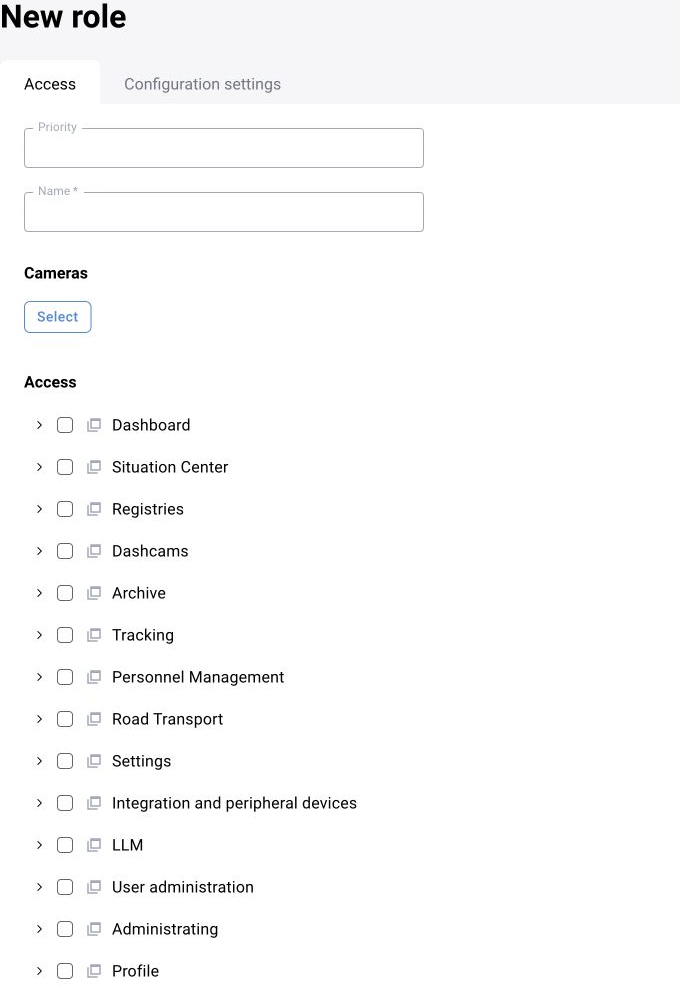
1. Access and roles
Check the environment address, trusted certificate, authentication and required network access. Use a supported browser. Separate administrative and review responsibilities and verify permissions with a test account.
2. Sites and cameras
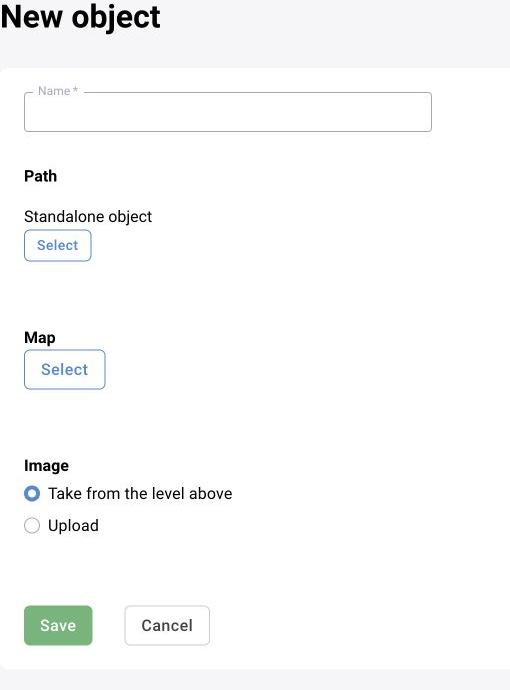
Create the enterprise/site hierarchy before adding cameras. Record stream or VMS access, site assignment, responsible users, zones, schedules and analytics settings. Verify playback, archive where required, time synchronisation and actual frame rate before bulk assignment.
3. Scenarios, zones and decision rules
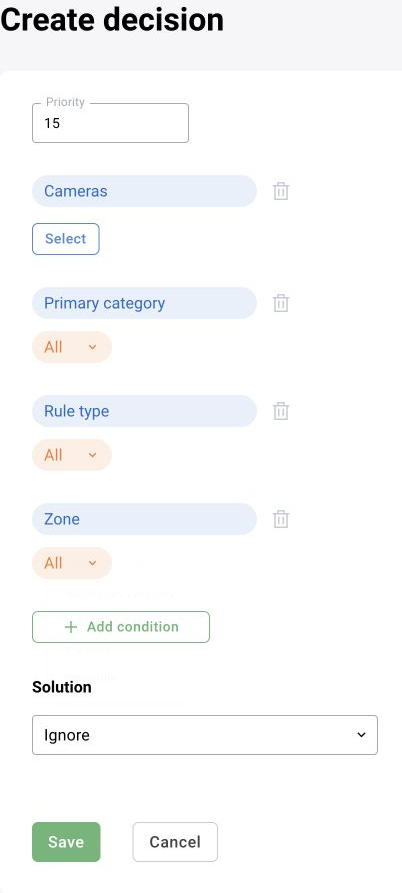
Use validated analytical configurations. Match zones to the actual camera view and re-test after any camera movement or optical change. The decision matrix classifies and routes outcomes. Trace one camera through detection, event creation, evidence, review and notification before expanding.
4. Users and reference data
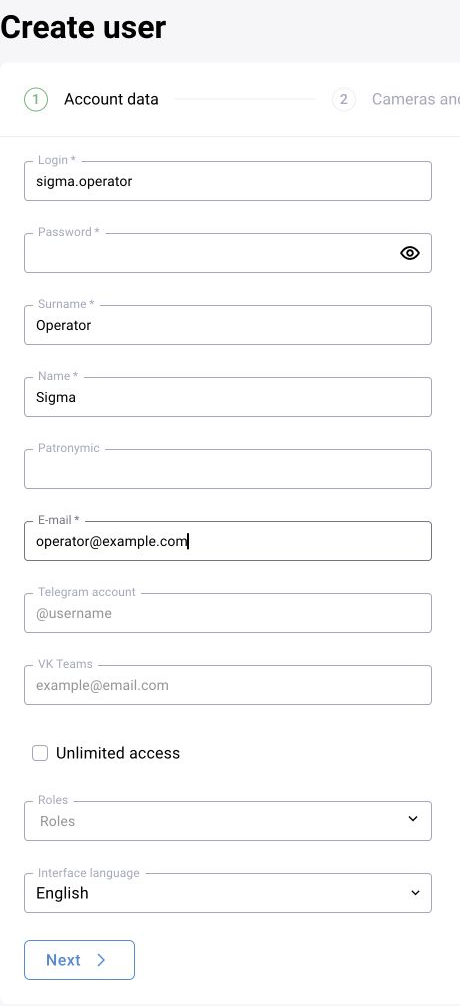
Configure roles, employees, sites, event types, zones, presets and the reference data included in the delivery. Test directory-group mapping and identity-provider interruption where used. Validate bulk imports in an isolated environment.
5. Operations
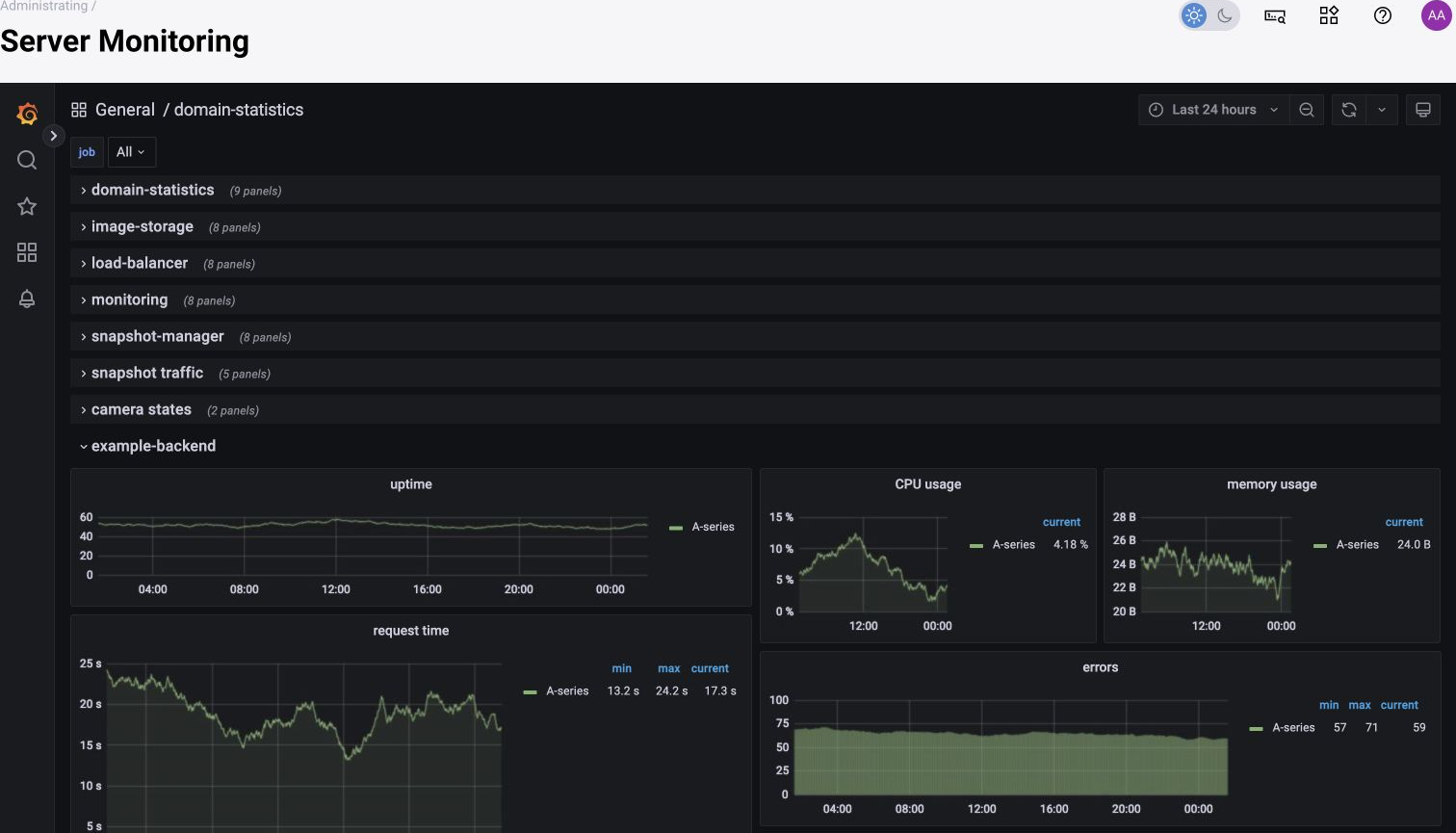
Monitor cameras and services, input/processed frame rate, CPU/GPU/memory, queues, errors, storage and event delivery. Include audits, backups, restore tests, licensing, cleanup and notification checks in the operating procedure.
6. Handover
Run a control scenario for each role and verify visibility, event actions and exports. Hand over a service map, escalation contacts, backup policy and version history.
Configuration locations
| Location | Purpose |
|---|---|
| domain.conf / domains.conf | Enabled domains; exact filename depends on release |
| Inference domain .env | Processing and video-transport parameters |
| ui-rest/ui-config/settings.json | Feature settings in applicable builds |
| ui-rest/ui-config/config.json | Frontend settings such as DEFAULT_LANGUAGE |
| .env and service environment | Backend settings such as USER_DEFAULT_UI_LANG |
Field-level instructions for the administration workflow
Use the shared chapters for application settings and the BOX 3.2 chapter for the exact camera form. Presets, zone settings and the decision matrix are separate configuration layers; verify each before handing the camera to an operator.