Check what your deployment includes
Open the menu under your working role and check the modules actually available. If a section is missing, ask the administrator about module availability and permissions. A feature name in the general documentation does not mean it is included in every deployment.
Video archive
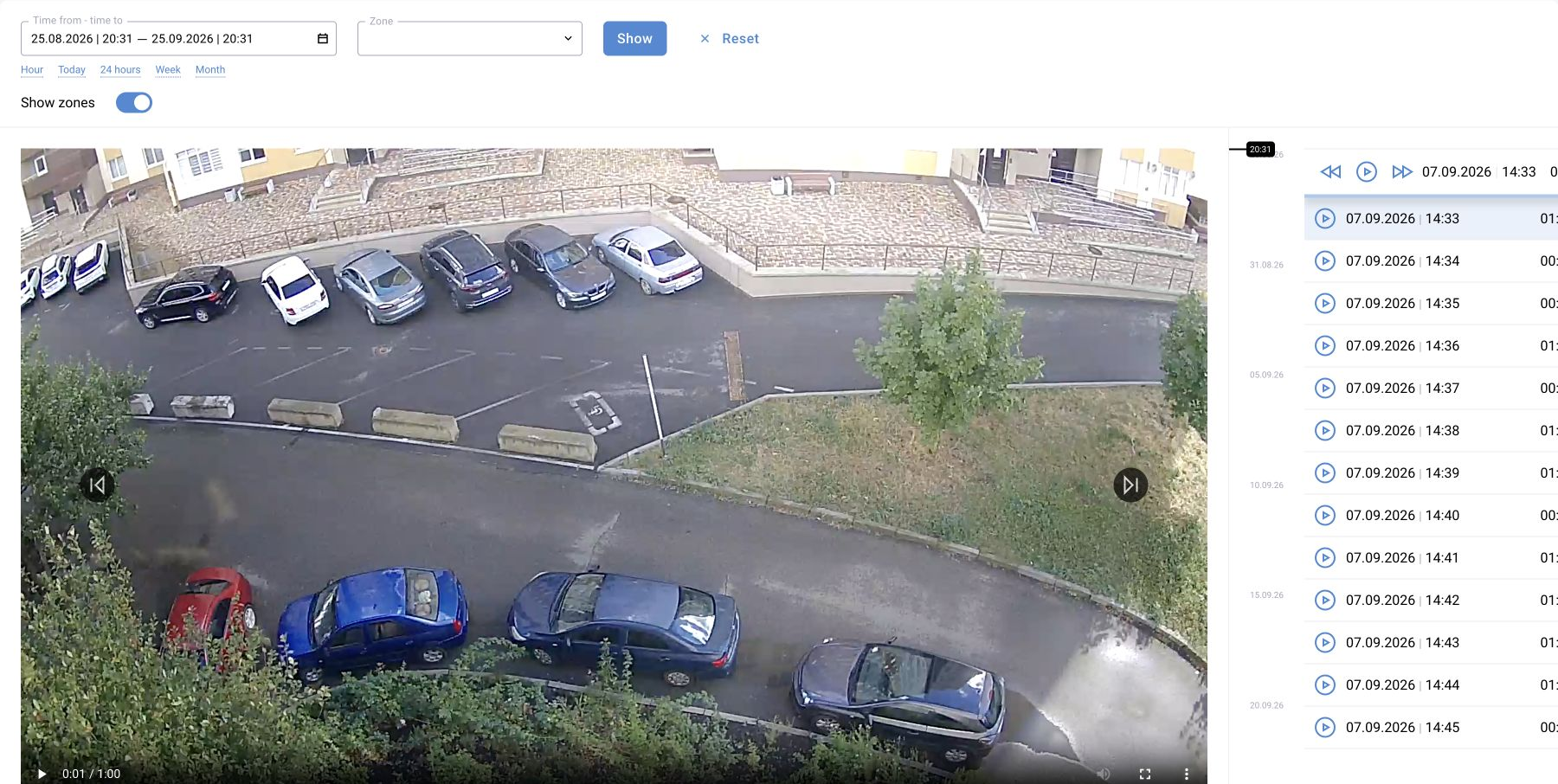
Select a camera and time in the available archive. Check the time zone and whether a recording exists for the required interval. Match the frame to the event time; download a clip if the feature and permission are available.
No recording does not mean no event. Check the retention period, archive source and recording availability.
Event report
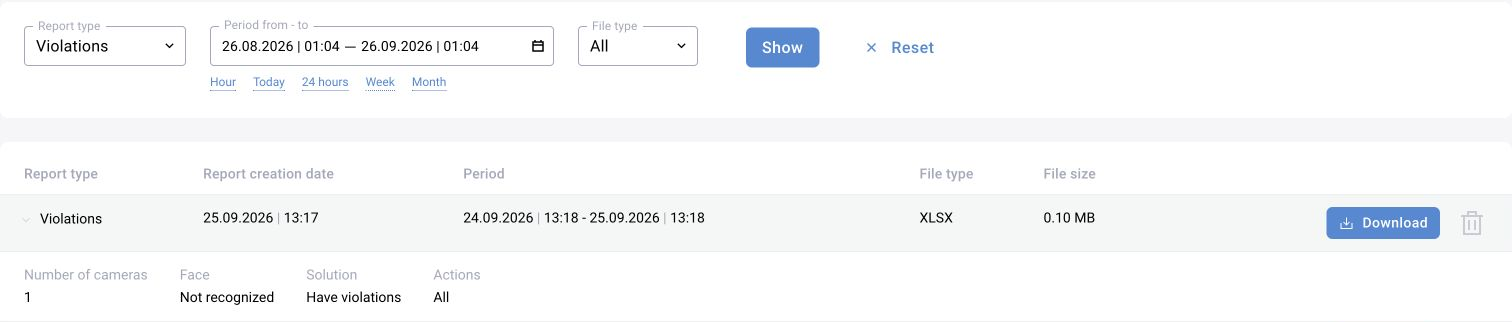
Set the period, camera or site, and required statuses. Request an export and choose whether to include images if the form provides that option. Wait for completion and open the file.
Check the period, row count, IDs and statuses against the log. Checking the completed report list and the downloaded file are separate stages.
Presence and workstation monitoring
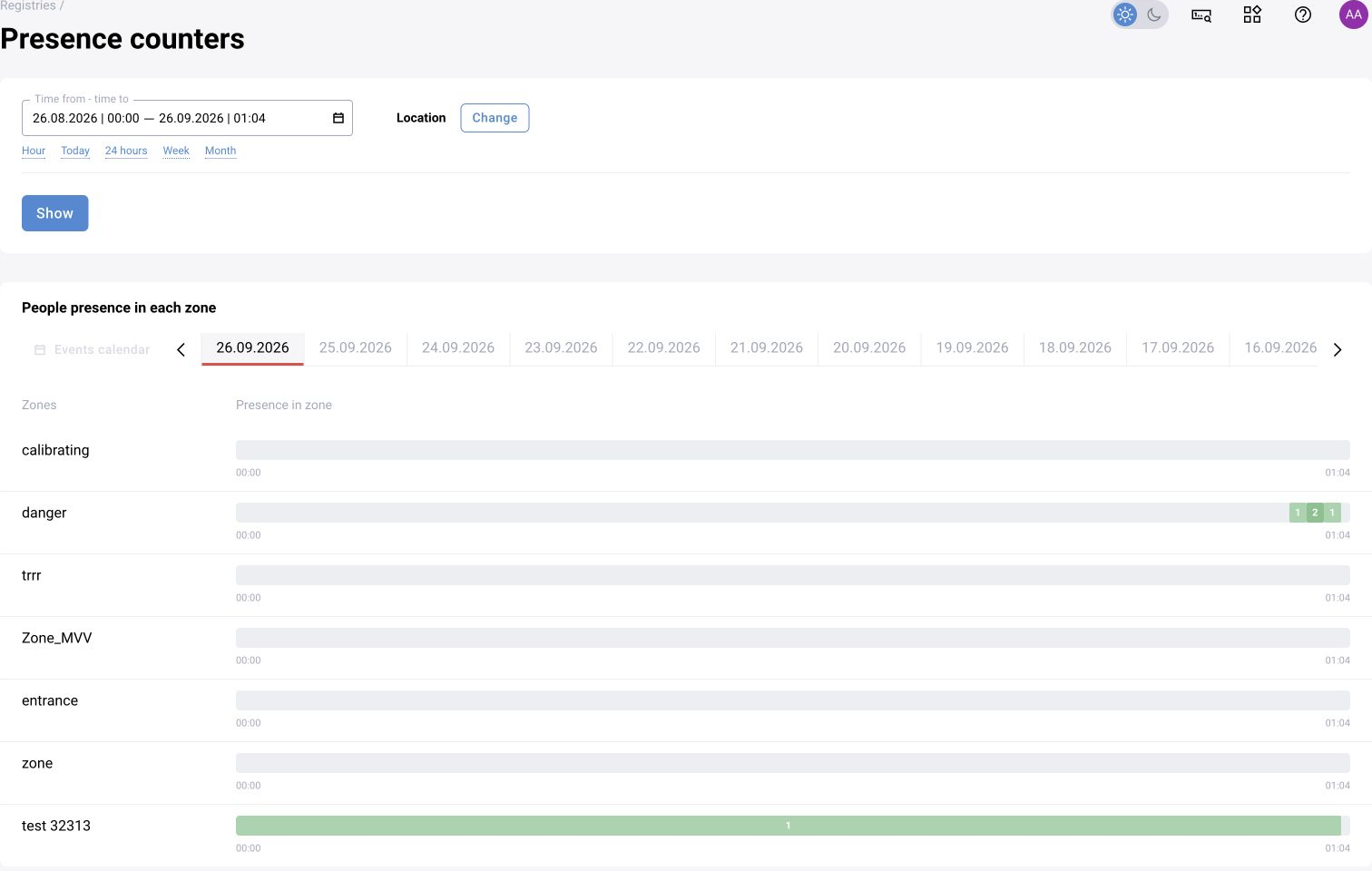
Use counters and intervals for presence tracking, not just the violation list. Select cameras, zones, period and aggregation interval. The maximum people count in an interval does not prove continuous presence throughout it.
For BOX 3.2, the standard workplace discipline monitoring module and reports are documented. For BOX 5.0, a separate instruction explains how to implement the task through a scenario with per-zone state.
Notifications
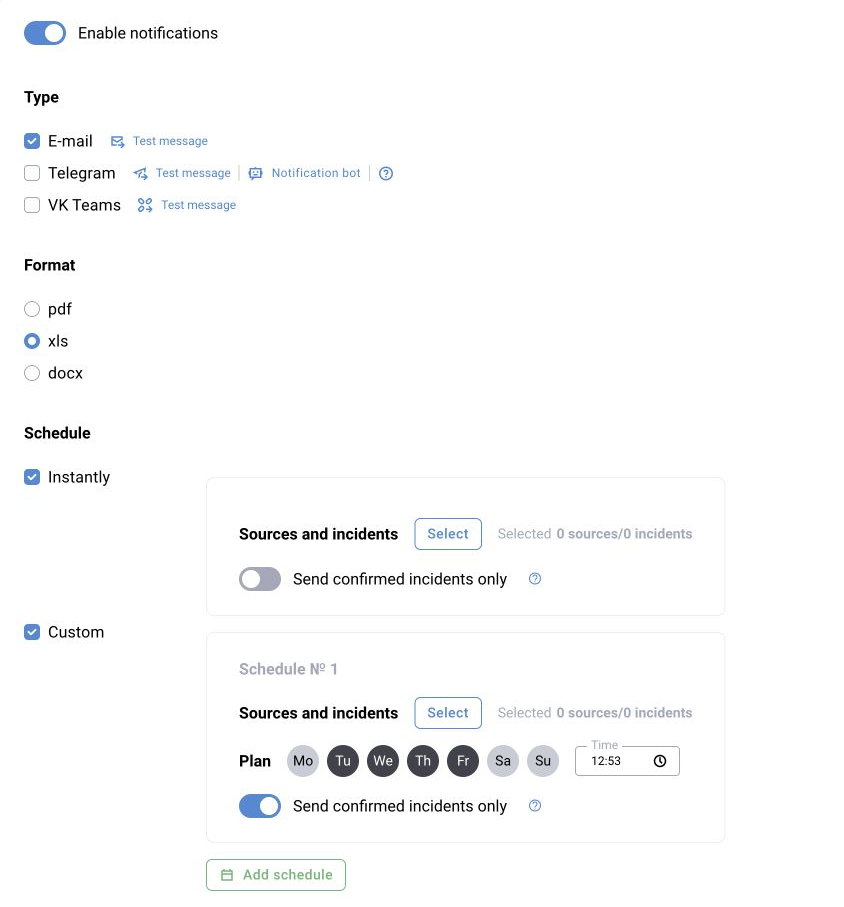
If the module is enabled, check the channel, recipients, event categories and schedule. Use an agreed recipient and training event for testing. Compare the event time with the delivery time.
Investigate a missing message along the chain: event created → rule matched → recipient selected → message sent. A notification does not replace saving the event in the log.
Employees and other application modules
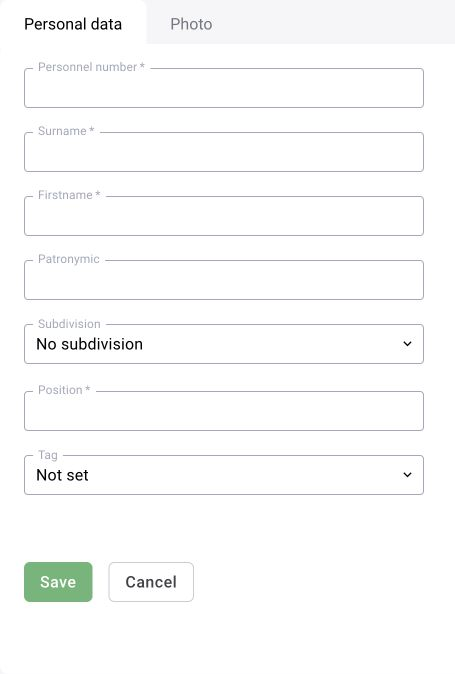
If the deployment includes an employee catalog, open it and use the available operations to create, search and edit records. The module and permissions determine the fields and event links.
Do not infer an employee's identity from a zone's people counter. For vehicles, wearable recorders and other modules, first check their included features and specific configuration.