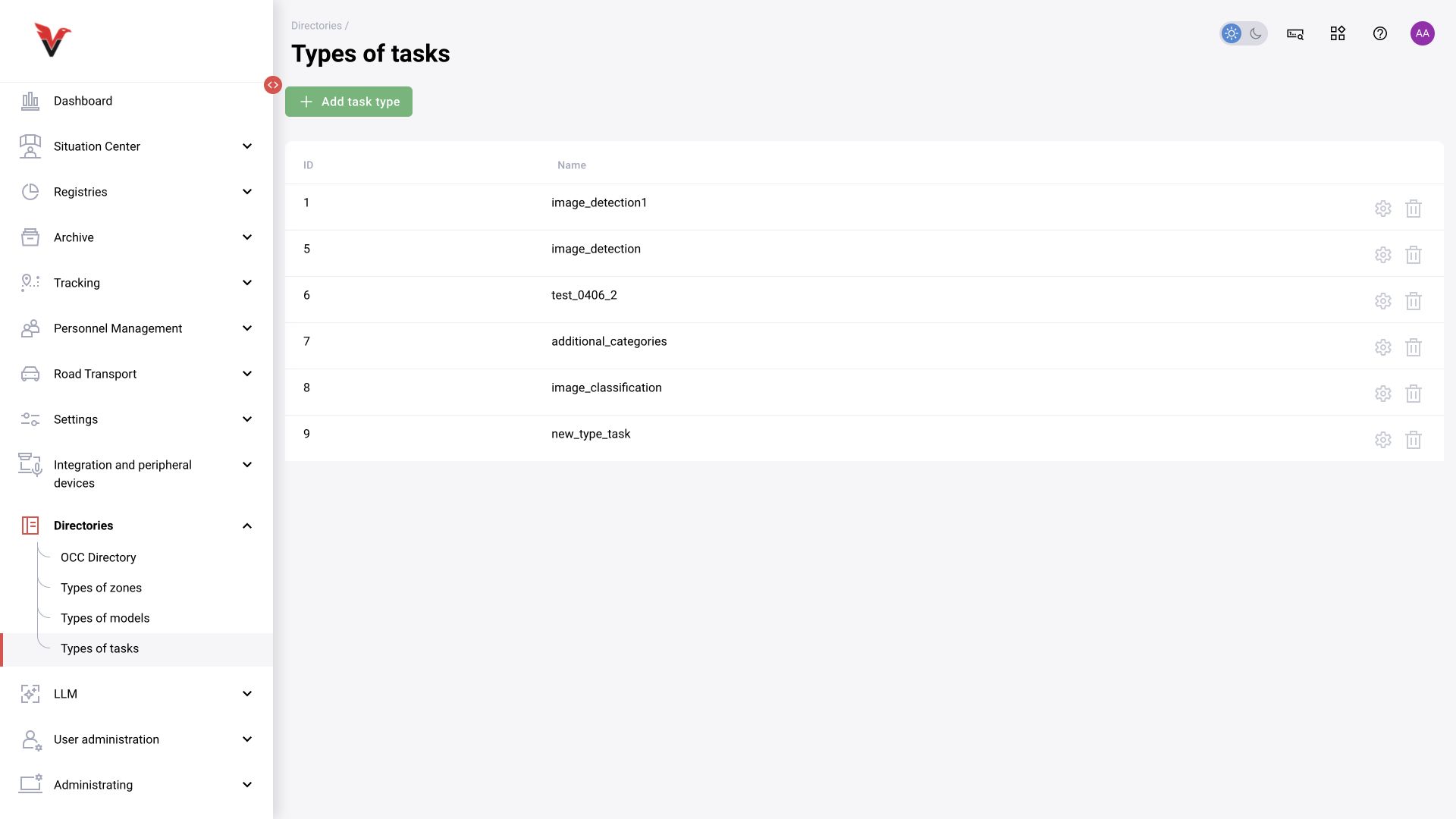
Construction site directory
Path: Directories → Construction site directory, /settings/directoryOfCCO. This directory contains capital construction sites. It is used in the corresponding construction monitoring system; it is not an arbitrary table of additional fields from BOX 3.2.
Open the list: rows contain an identifier and address, and an arrow expands nested data. The “Upload directory” button uploads a prepared dataset. Its format and source are determined by the construction integration. Do not substitute an arbitrary table without an agreed schema. A camera link must reference the correct construction site.
The directory tree and upload action are confirmed in this revision. A general-purpose form for manually creating construction sites has not been confirmed. An external unique identification number (UIN) and a row sequence number are not interchangeable.
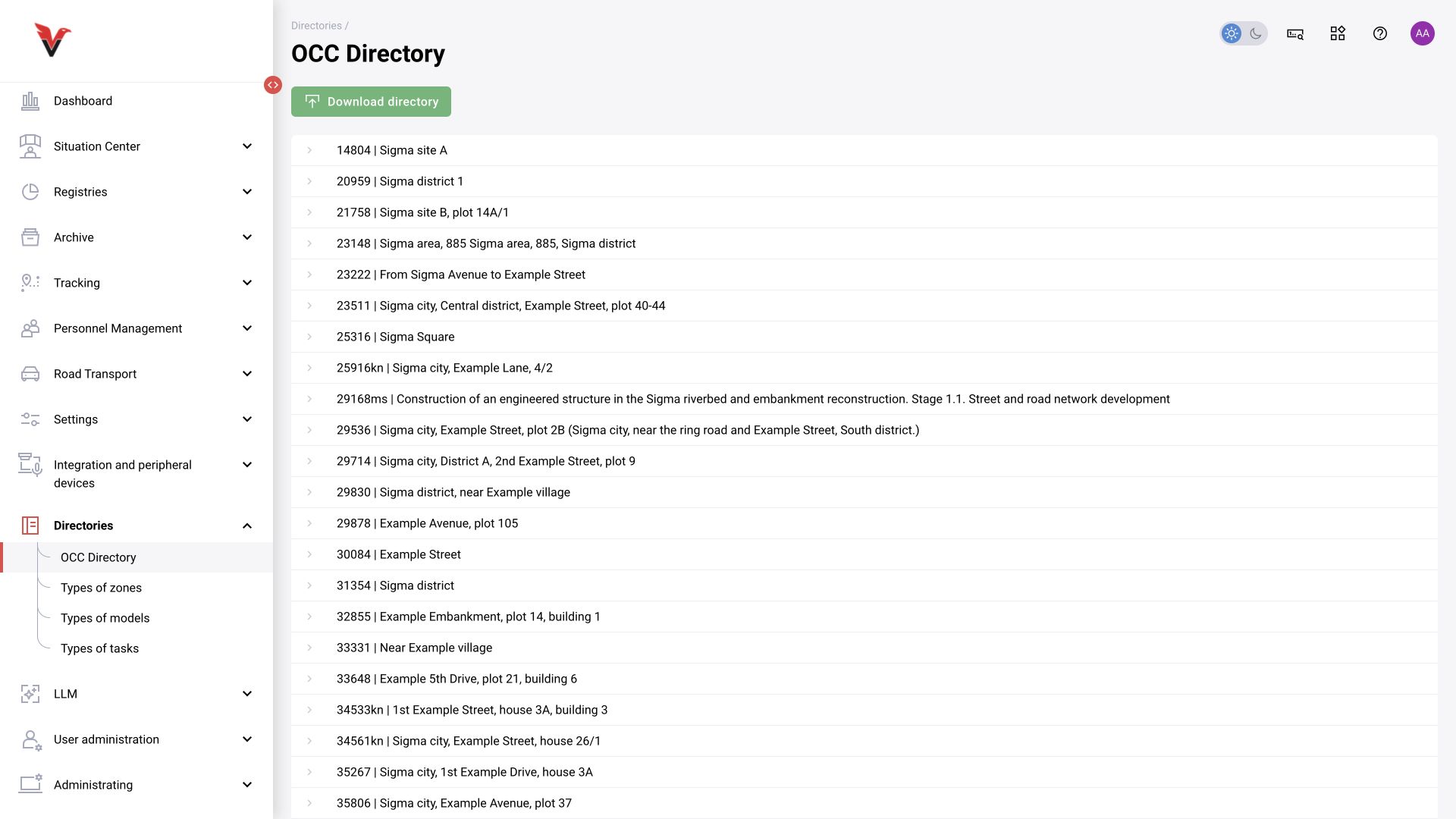
View types
Path: Settings → View types, /settings/view-types.
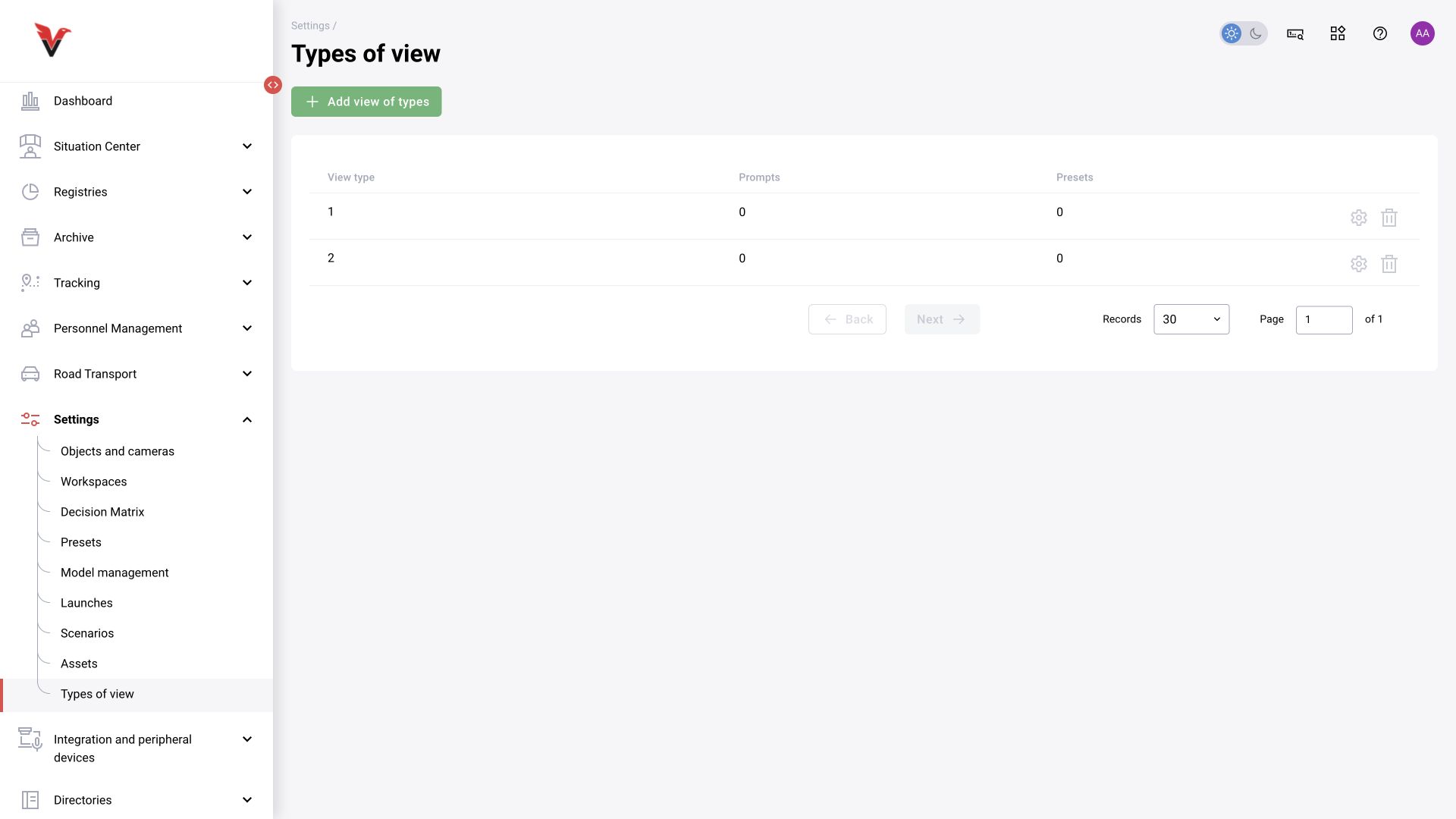
A view type groups settings for a particular kind of observation. The form contains:
| Field | How to use |
|---|---|
| View type | A numeric field, not a free-text description; enter the agreed type identifier |
| Prompts → Add | Select the LLM prompts associated with this type |
| Presets → Add | Select the sets for conventional analytics |
Do not create an arbitrary number without consulting your installation’s type registry. Verify the type assignment and actual application of presets/prompts on the camera; a saved catalog entry alone does not prove that analysis has started.
Chapter sources: current forms; Confluence “Sites and cameras”, “Camera information”, “Zones”, “Presets”, “Decision matrix”, “Workspaces”, “Directories”; closed issues BOXD-2603, 3866, 4337, 4662, 4876, 5194, 5278, 5285. For links and applicability boundaries, see §17.
Zone types
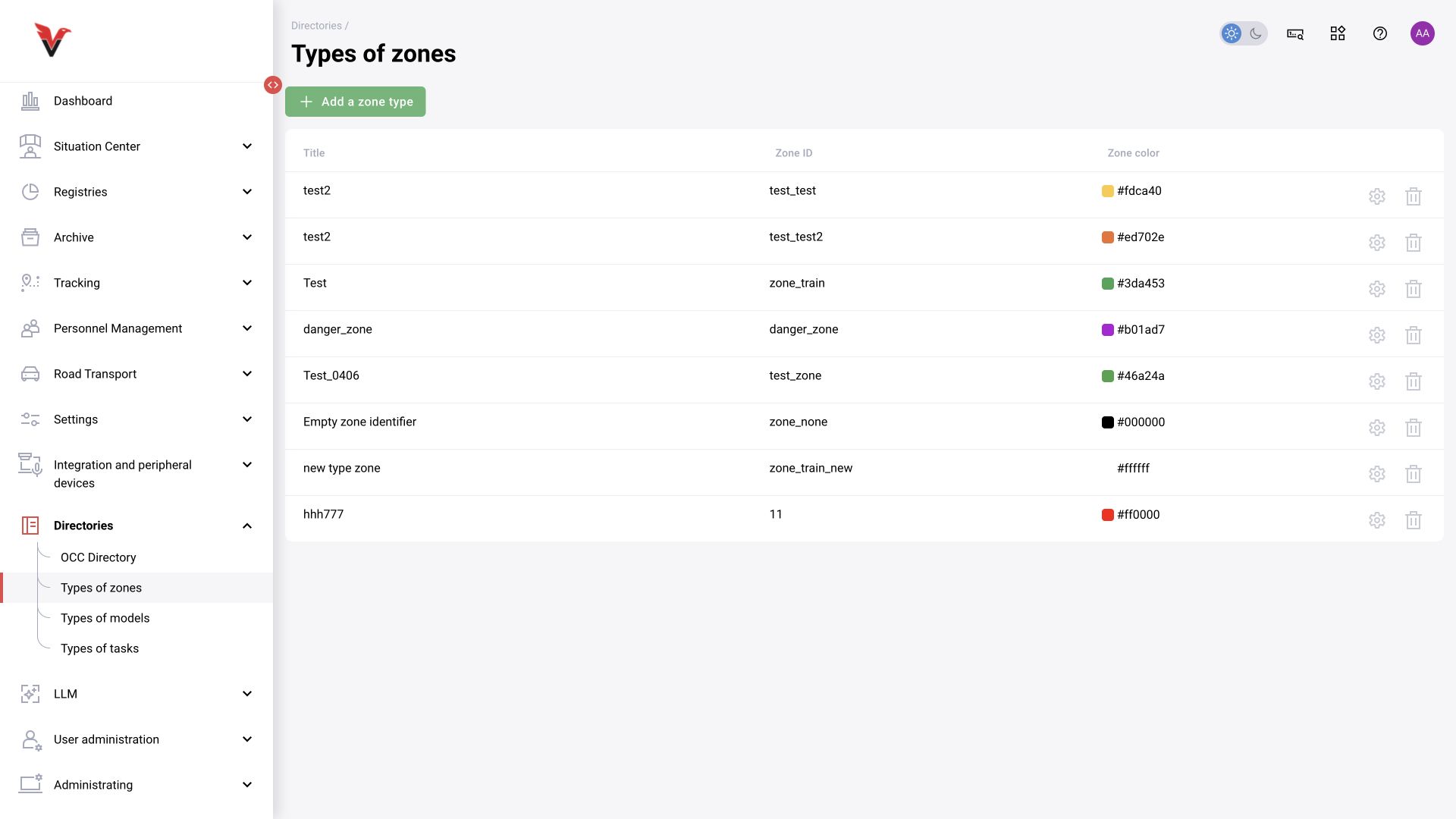
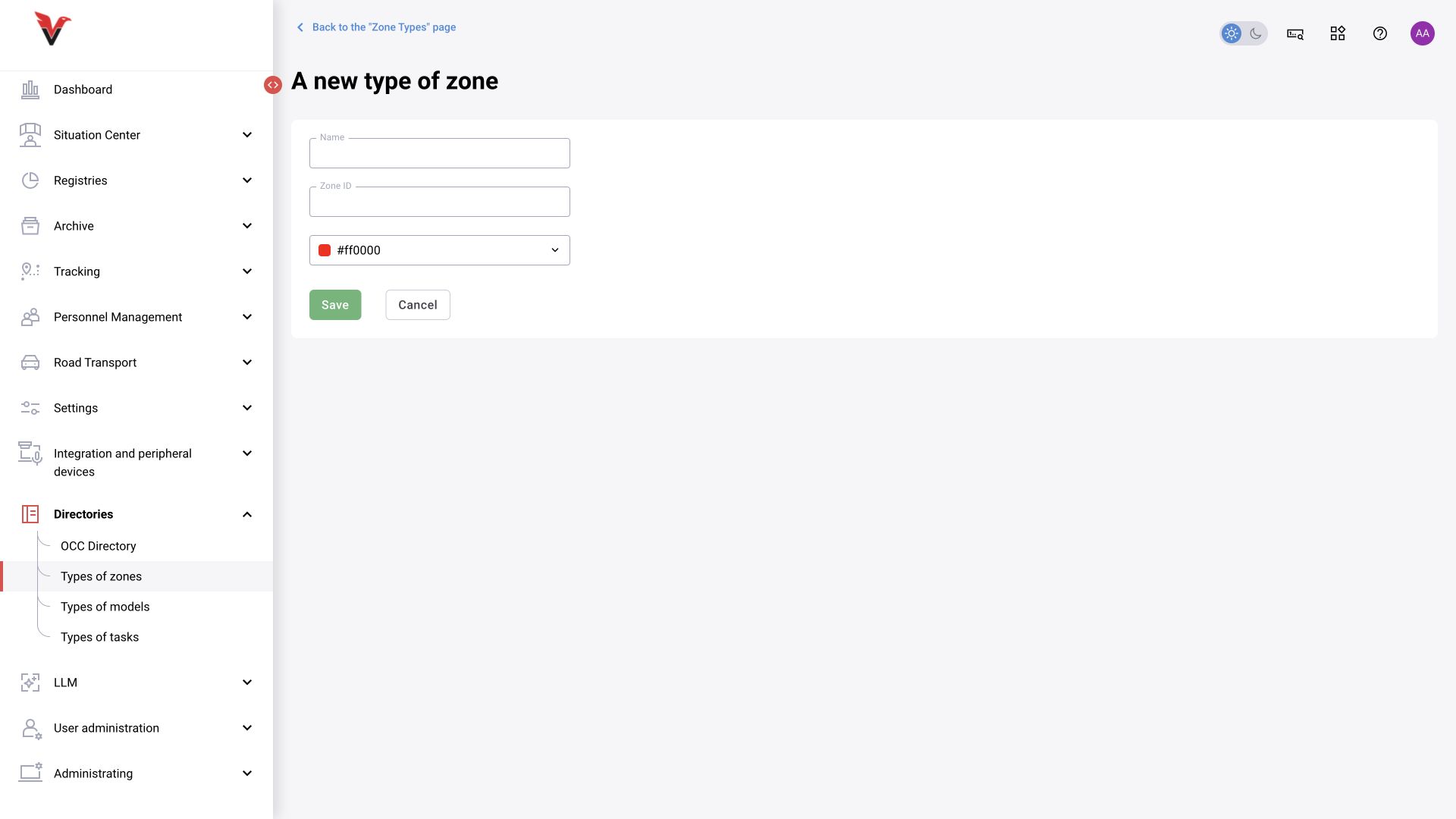
Path: Directories → Zone types, /settings/types-zones. A zone type links camera geometry to graph logic. The label “Danger zone” and its technical identifier are different values.
| Field | What to enter |
|---|---|
| Name | A clear purpose: Workstation, Machinery zone |
| Zone identifier | A unique, stable code in Latin characters, for example sigma_workplace; check it against the scenario blocks |
| Color | Default display color; does not change the business condition |
Create the type, save it, and select it when marking up the camera and configuring the required block. Renaming the code after use may break links. Do not create a new type for each polygon if they have the same logical purpose.
Model types
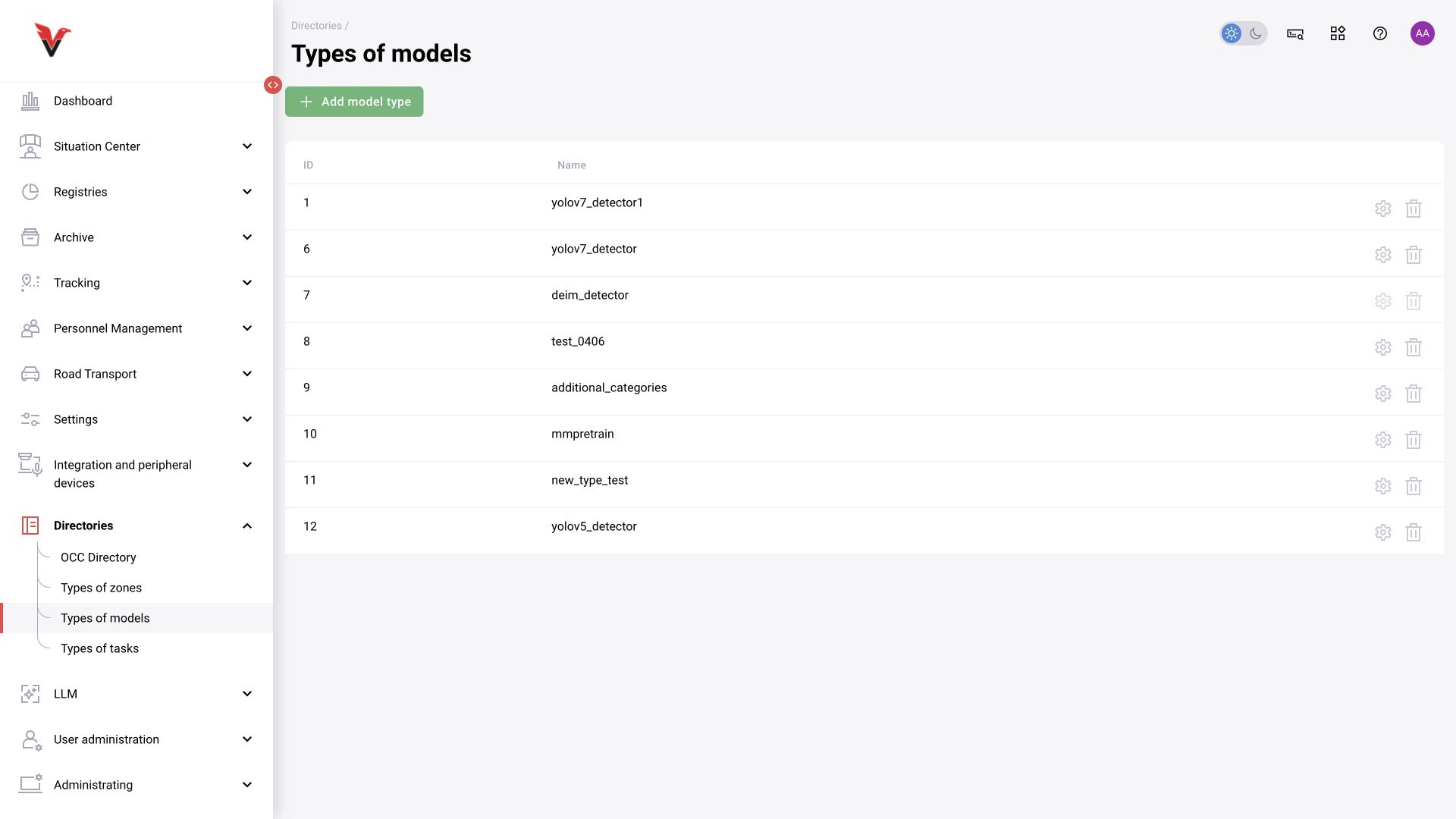
Path: Directories → Model types, /settings/model-type. The table contains an ID and name, with add, edit and delete actions. The type describes the model family/contract and is used in its card.
Enter a name agreed with the developer. Adding a row does not install a new execution engine or make an unknown format supported. Check dependent models before changing an existing type.
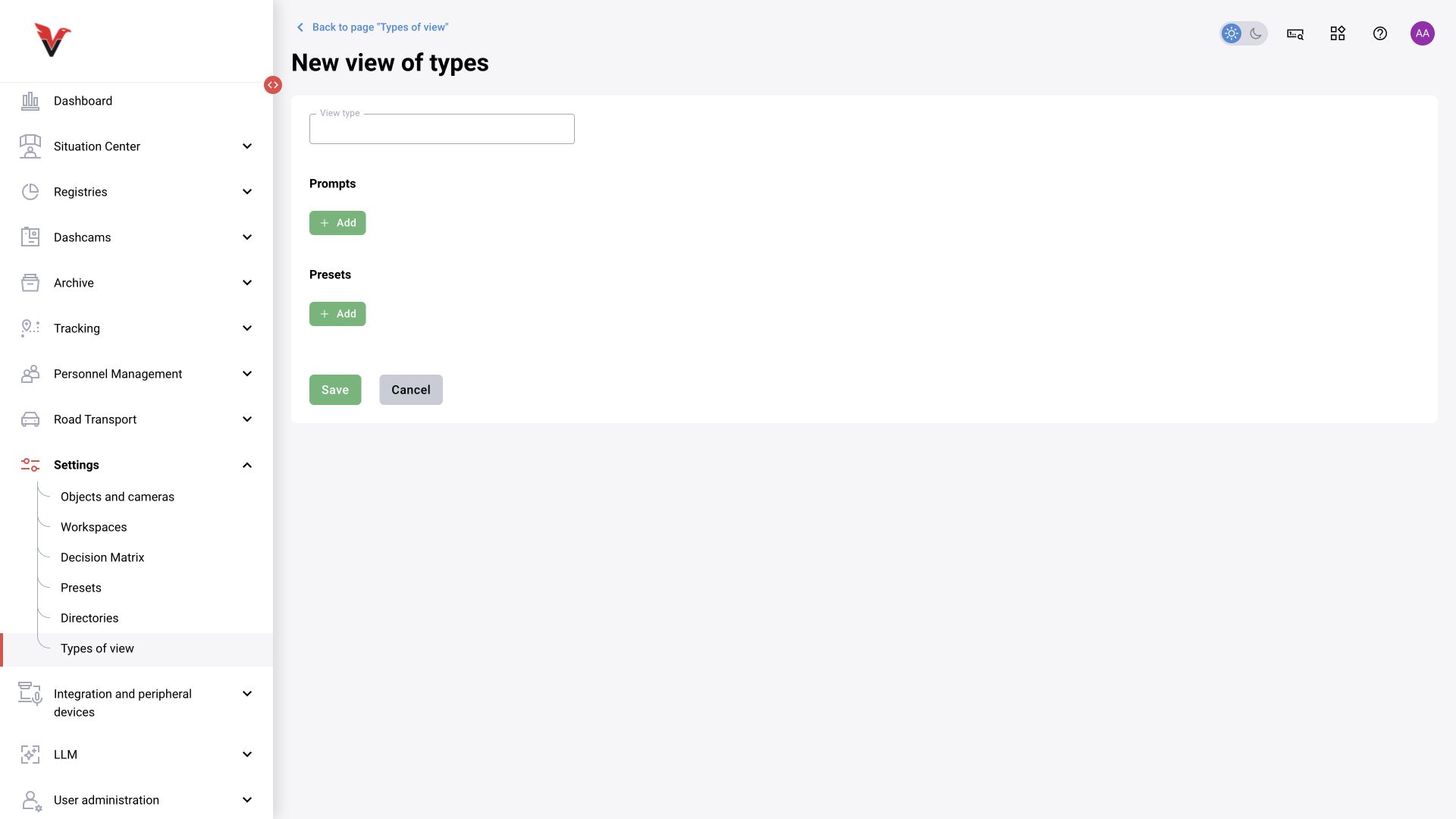
Task types
Path: Directories → Task types, /settings/task-type. The purpose is to classify the model’s task, for example image_detection or image_classification. The list shows IDs, names and edit actions.
Choose a value that matches the model output. Creating a new name does not implement the corresponding algorithm. Do not treat similar test names as interchangeable codes: integrations may distinguish them literally.