
Version the input
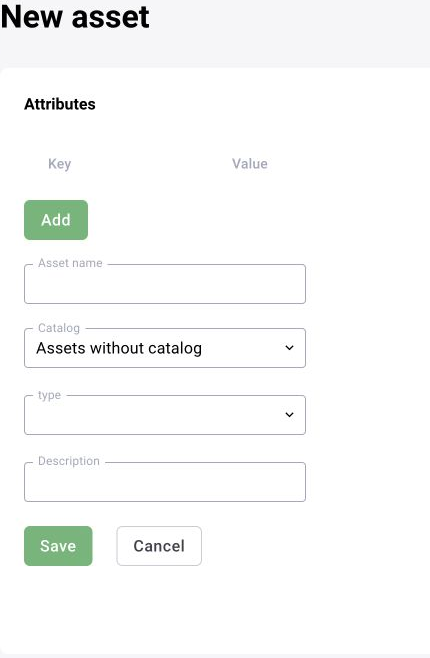
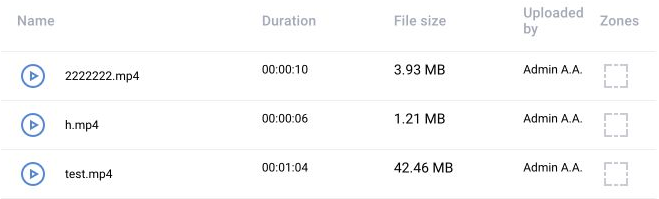
An asset and its versions provide reproducible test data. Record the file list, source characteristics, required zones and the purpose of each clip. Include both target events and similar conditions that must not produce an event.
Create a run
Select the asset version and model or scenario version. Record launch_uuid, parameters and the expected outcome. A run provides processing progress, results and diagnostic context; a completed state is not a quality score.

Inspect the outputs
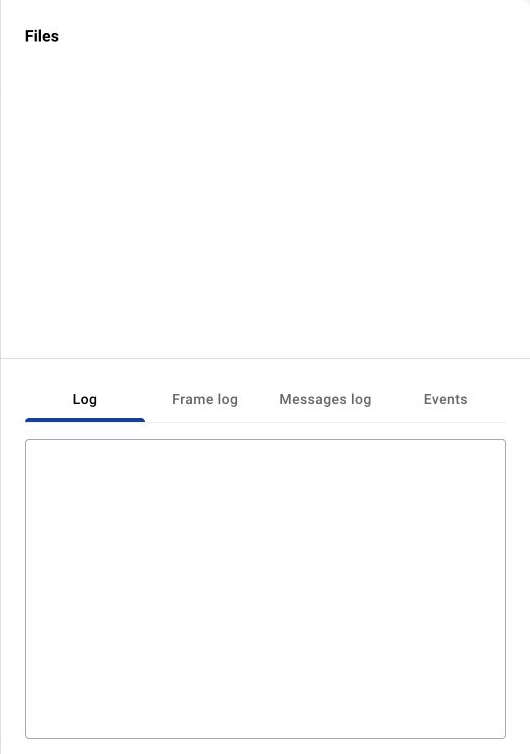
- Original and visualised frames.
- Detections, tracks, zones and intermediate messages.
- Generated events and their attributes.
- Processing failures, timing and resource consumption.
Compare releases
Use the same reference set for candidate and baseline versions. Precision/recall and false/missed event counts require reviewed ground truth. Operator confirmation rate is a separate metric. Review ambiguous episodes and record any change to labels or evaluation rules.
Acceptance and handover
Retain the model version, scenario version, asset version, parameters and run result together. Re-test changes to confidence thresholds, zone types and schedules. Confirm processing speed and resource use on the intended hardware before assigning the scenario to production cameras.
Asset file and zone fields
An asset contains one media type: image or video. Do not mix the two in one version. The system generates the storage object reference; a point array alone does not establish whether zone coordinates are pixels or normalized values. Check the target API contract.
| Field | Type / constraint | Purpose |
|---|---|---|
asset_id / asset_version_id | Positive integers | Dataset and its specific version |
asset_type / file_type | image or video | Media type |
file_name | String, up to 255 characters | File name |
media_uri | URI string | System-generated storage object reference |
file_id | Positive integer | Associates the file with its zones |
polygons | String containing a JSON array | Zone geometry |
color_hex | #RRGGBB string | Zone display color |
Run fields and processing state
A model test uses entity_type=model, entity_version_id and asset_version_id. The backend creates an execution session, attaches the data and passes the task to the executor. Multiple videos are processed sequentially.
Do not use progress_percent as the sole success signal. Check status and that results can actually be opened. completed means processing finished; the user’s quality conclusion is stored separately.
| Field | Type / allowed values | Purpose |
|---|---|---|
launch_uuid | UUID string | Run and artifact identifier |
status | created / running / failed / completed / stopped | Processing state |
progress_percent | Integer 0–100 | Overall progress |
entity_info | Object | Entity and version under test |
asset | Object | Asset and version |
sandbox_session_id | Integer or null | Execution session |
size | Integer | Result size in bytes |
result | String or null | User conclusion |
