
Testing and investigating LLM errors
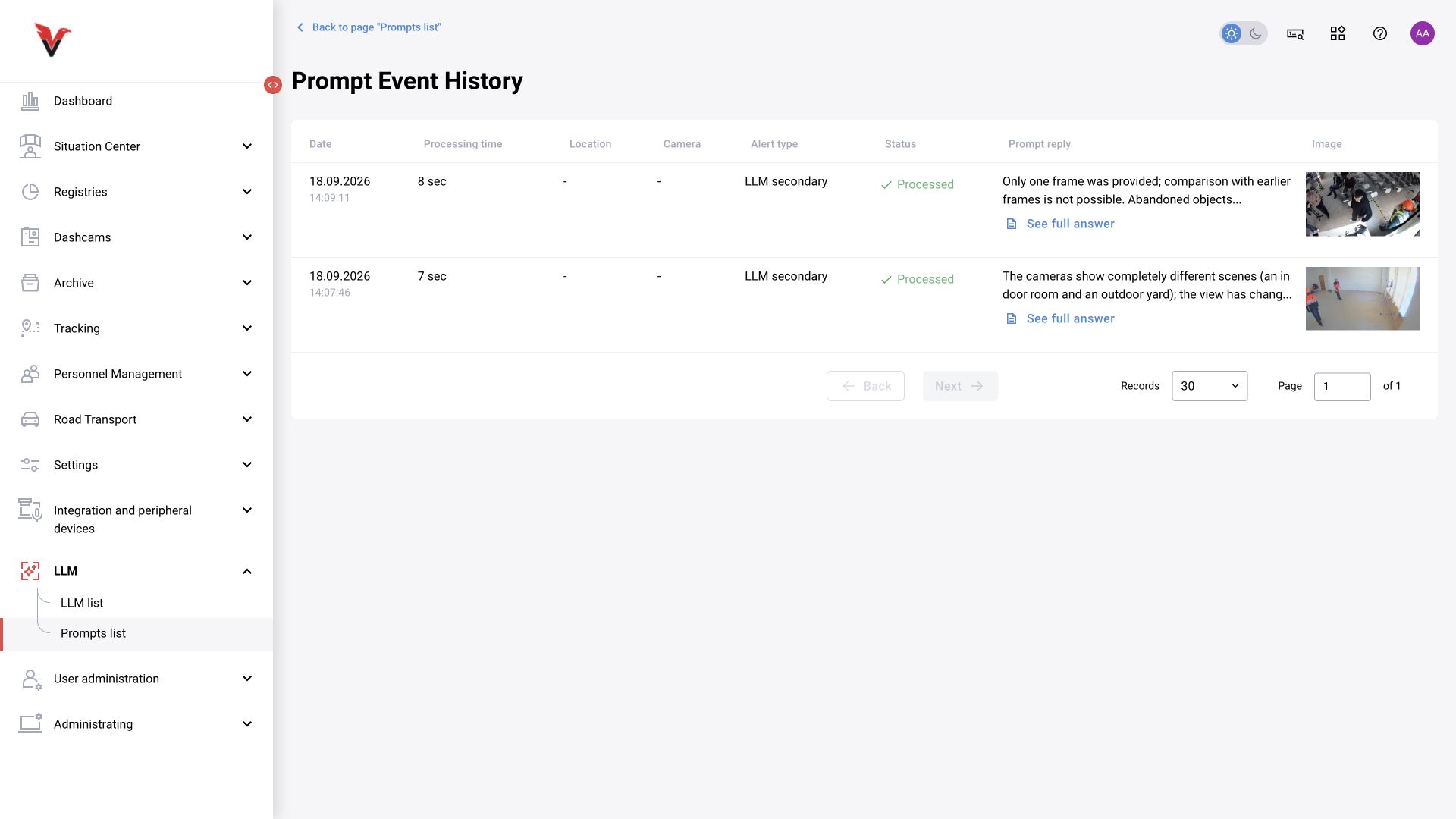
In the prompt list, use Test, then view the Test result. According to the documentation, a suitable image is uploaded for testing; support for multiple files depends on the type and form. Check the response text, structured result, categories, bounding boxes, and handler message.
| Result | What to check |
|---|---|
| Request did not execute | LLM activation, address, network, credentials, driver, and connection limit |
| Model responded, but BOX reported a processing error | JSON validity, required fields, types, allowed categories, and coordinates |
| Test succeeds, but no automatic results appear | Prompt activation, camera assignment, UTC schedule, trigger category, and frame availability |
| A response exists, but its meaning is wrong | Frame quality, object size, task criteria, and model capabilities |
| Card decision changed unexpectedly | Verification type, returned status, and change history |
| No new journal record | is_event/is_violation, categories, preset/matrix, journal filters, and response handling |
In an earlier project test, the model returned a response and the error was caused by invalid category codes. Therefore, a processing error must not automatically be attributed to LLM unavailability. Retain the ID, time, prompt version, and error text; do not include tokens or passwords in the support request.
Chapter sources: current forms /llm and /prompts, OpenAPI (LLMInput, WorkInstance, PromptInput, CameraPromptSchedule), Confluence documentation on creating LLM connections/prompts and verification, BOXD-3759 and BOXD-5030, and previously prepared project exercises. Register.
LLM-agent 1.0–1.1: scenarios and service responses
Applies to: the separately deployed llm-agent component, versions 1.0.0–1.1.0, using YAML graphs. This procedure is for administrators of that integration; it does not imply that every BOX 3.2 or BOX 5.0 installation includes it. You need the service version, an approved scenario, access to its configuration and an image approved for testing.
- Check that the scenario YAML was supplied at deployment. Scenarios are not included in the image: mount the configuration directory separately, for example at
/app/configswith read-only access. - For
POST /generate/, checkGRAPH_CONFIG_PATH, which defaults toconfigs/simple.yaml. ForPOST /{scenario}/generate/, check the file inGRAPH_CONFIGS_DIR. Names may include.yaml/.ymlor omit the extension; nested paths are not accepted. - Compare model connection settings in the environment and YAML. For
vllmandollamanodes, explicitly supplied supported environment/.envsettings override node parameters. - Check the top-level
output_field: when set, the API returns that field; otherwise, it returns the final graph state. The receiving integration must expect that format. - Run the deployment’s approved test with suitable material. Record the component version, YAML hash, model, prompt, HTTP status and processing result.
A changed scenario file is rebuilt on the next request. The compiled graph cache also expires after GRAPH_CACHE_TTL_SECONDS (300 seconds by default); this does not cache model answers. The /yaml/generate/ route for graphs supplied in the request body is disabled by default (ENABLE_INLINE_GRAPHS=false). Ordinary testing does not require enabling it.
Expected result: the request uses the intended scenario and returns the agreed structure. In the standard vllm node, a response containing description: "LLM unavailable" is a fallback when the model is unavailable. Even with a successful HTTP response, it must not be interpreted as a verified absence of a violation.
LLM-agent 1.1.0: authentication and 401/404 errors
In version 1.1.0, setting LLM_AGENT_TOKEN requires generation requests to include Authorization: Bearer <issued token>. A missing or incorrect token returns HTTP 401. If the variable is unset, the service continues accepting requests without a token and logs an insecure-mode warning at startup.
Coordinate client updates before enabling the token, and supply the secret through the deployment’s private configuration mechanism. After applying the setting, check one approved test request and verify that a generation request without a token is rejected. Do not disable token checking to resolve a client error. This is a service token, separate from the BOX user password and the model API key.
| Observation | Check |
|---|---|
| 401 | Version 1.1.0, the Bearer header, the issued token and header forwarding through the gateway |
| 404 from /generate/ | After successful authentication, the GRAPH_CONFIG_PATH file and its mount inside the container |
| 404 from /name/generate/ | The filename and GRAPH_CONFIGS_DIR; for the name yaml, whether inline graphs are disabled |
| HTTP succeeds but the result is unsuitable | output_field, response structure and the LLM unavailable marker; then model availability |
Expected result: an authorized client receives its scenario response, while a request without a valid token returns 401. Authentication does not establish model quality or compatibility of the business response with BOX; check these separately. Exclude secrets and private-site images from diagnostic reports.