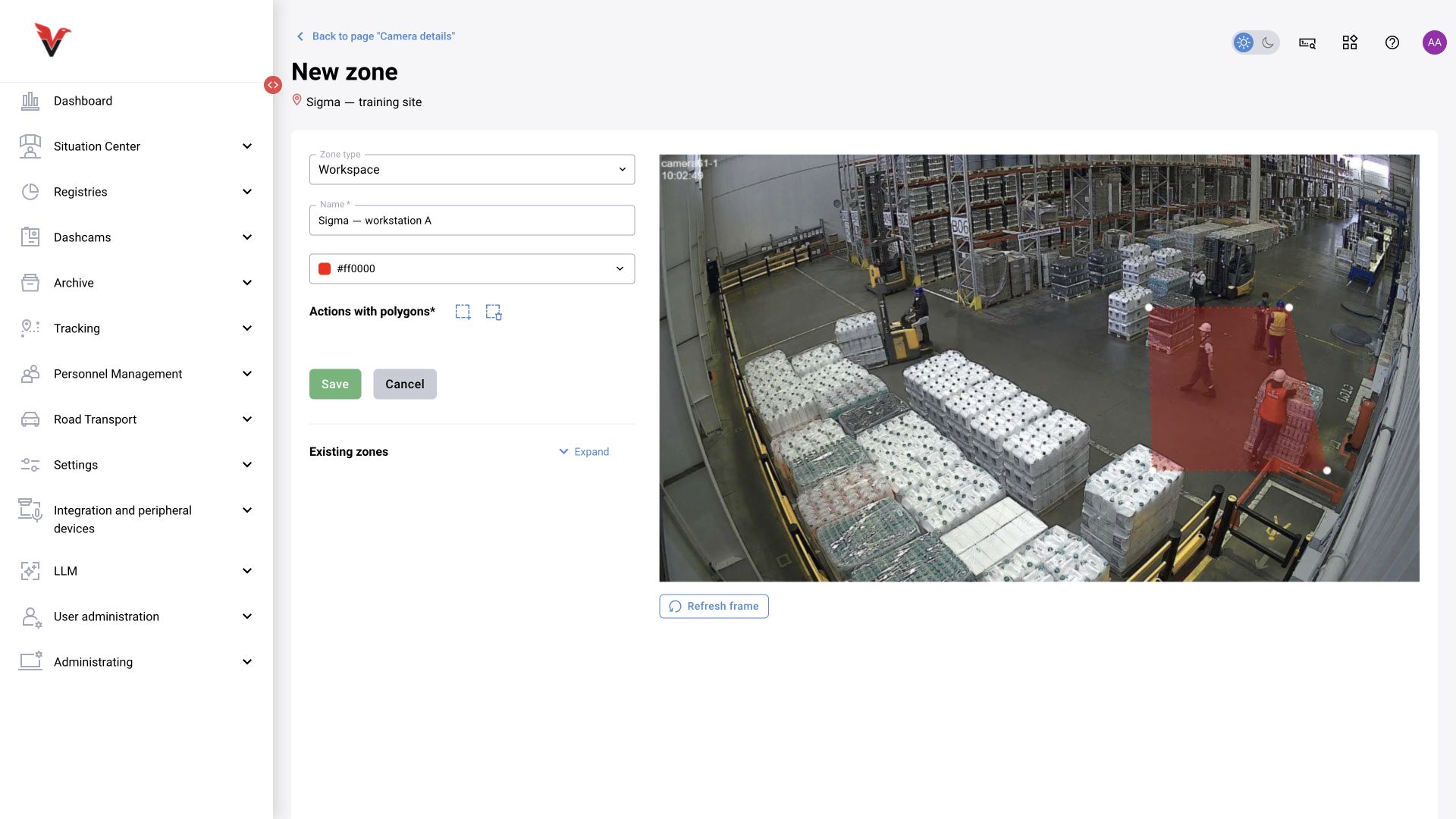
Shared workstation monitoring module and scenario alternative
The shared module instructions below are retained from the workplace discipline monitoring and BOX 3.2 materials. To implement this task specifically with BOX 5.0 scenarios, use §4.17. The presence of a presence schedule and counter log does not by itself connect a new scenario to the standard workplace discipline monitoring calculation.
Task: monitor occupancy at two workshop stations during a shift and investigate periods of absence. BOX 3.2 uses built-in detection and counters; this case does not require an LLM.
- Create the site
Sigma → Workshop → Area 1and a camera with a stable view. Use a virtual camera for the training video. - Create a preset with a suitable primary person detector. Use detection results for counting; do not classify every person as a violator.
- Draw separate zones of type “Workstation”:
Station 1andStation 2. Exclude the shared walkway, otherwise passing employees will affect station occupancy. - Assign the zones to a presence schedule: working days, work interval, permitted break and min/max for each mode.
- Check known clips: an empty station, one person, two people, departure and return. Compare the specific intervals and zones.
- Open the current presence log, select the day and zones, and review presence, absence and number of departures. For a disputed interval, open the video and camera health.
- If notifications about deviations from staffing levels are required, configure the corresponding categories and processing rules. The displayed chart alone does not define every condition for delivery to the responsible person.
What the older workplace discipline monitoring guides provide. They explain the historical “Interval” and “Extended” XLSX reports in detail: people counts, arrival and departure times, presence, absence and number of departures. A value in the old interval graph is the maximum number of people in a zone during the interval. This helps interpret old reports, but must not be treated as the only meaning of the current timeline.
The original workplace discipline monitoring example shows 49 minutes of presence, 14 minutes of absence and 5 departures over 63 minutes. This is an example from the original guide, not a new Sigma measurement. A complete new run of the workshop videos and verification of the resulting figures were not performed during this text preparation stage.