
Role-based responsibilities
Separate administration, scenario development and operator review. Grant only the permissions and site visibility required by each role. Verify how the target release scopes objects, cameras and event access.
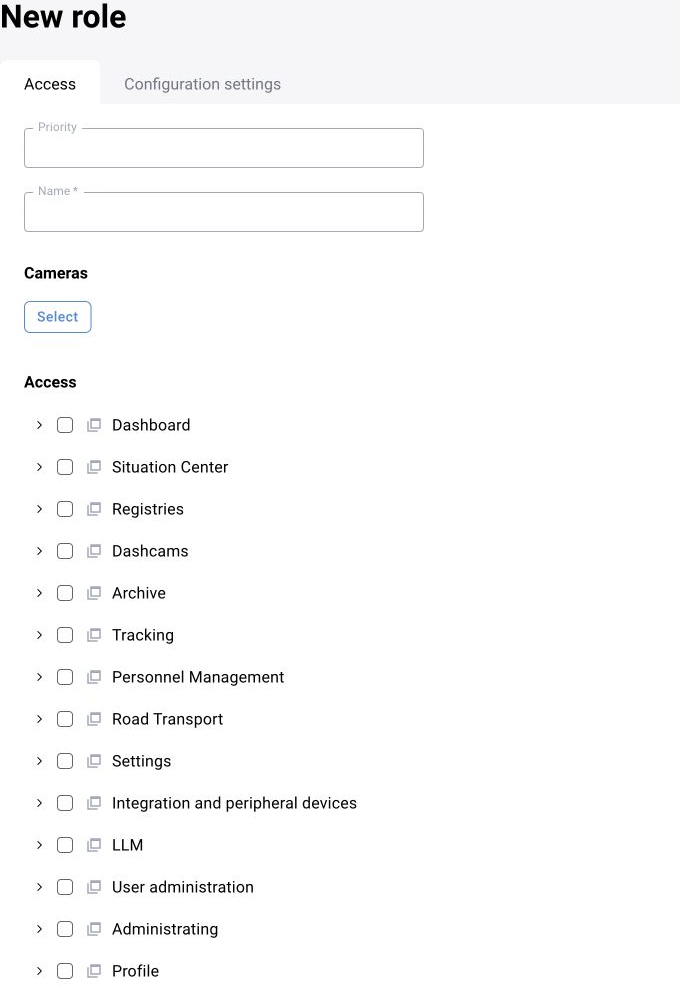
Integration accounts
Use a dedicated account for each server integration where supported. Store credentials outside source code and public files. Apply the deployment’s token expiry, rotation and revocation policy.
Audit
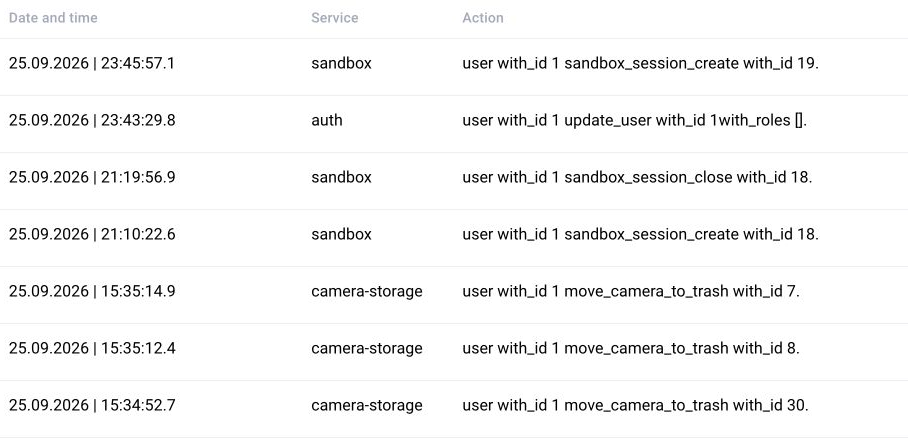
Record significant configuration, publication and operator-decision changes where the module supports them. Define retention, access and review responsibilities for audit records.

Operational controls
Validate certificates and time synchronisation, protect backups and restrict service access to the intended network. Test role changes and account recovery through the approved administration procedure. A public guide does not supply privileged recovery credentials.
Test authentication, permitted actions and data scope separately
A valid token does not grant access to every camera. Test both the interface and supported integration endpoints under the actual role.
| Case | Expected behavior |
|---|---|
| Active account | The profile can be read through a supported interface |
| Permitted site or camera | Only data within the role’s scope is returned |
| Another user’s restricted site | Its data is not disclosed |
| Disallowed modification | The request is rejected according to the contract |
| Revoked or expired access | The request does not continue the session without validation |
| Audit | A change is linked to the user or integration account |