Rejected events
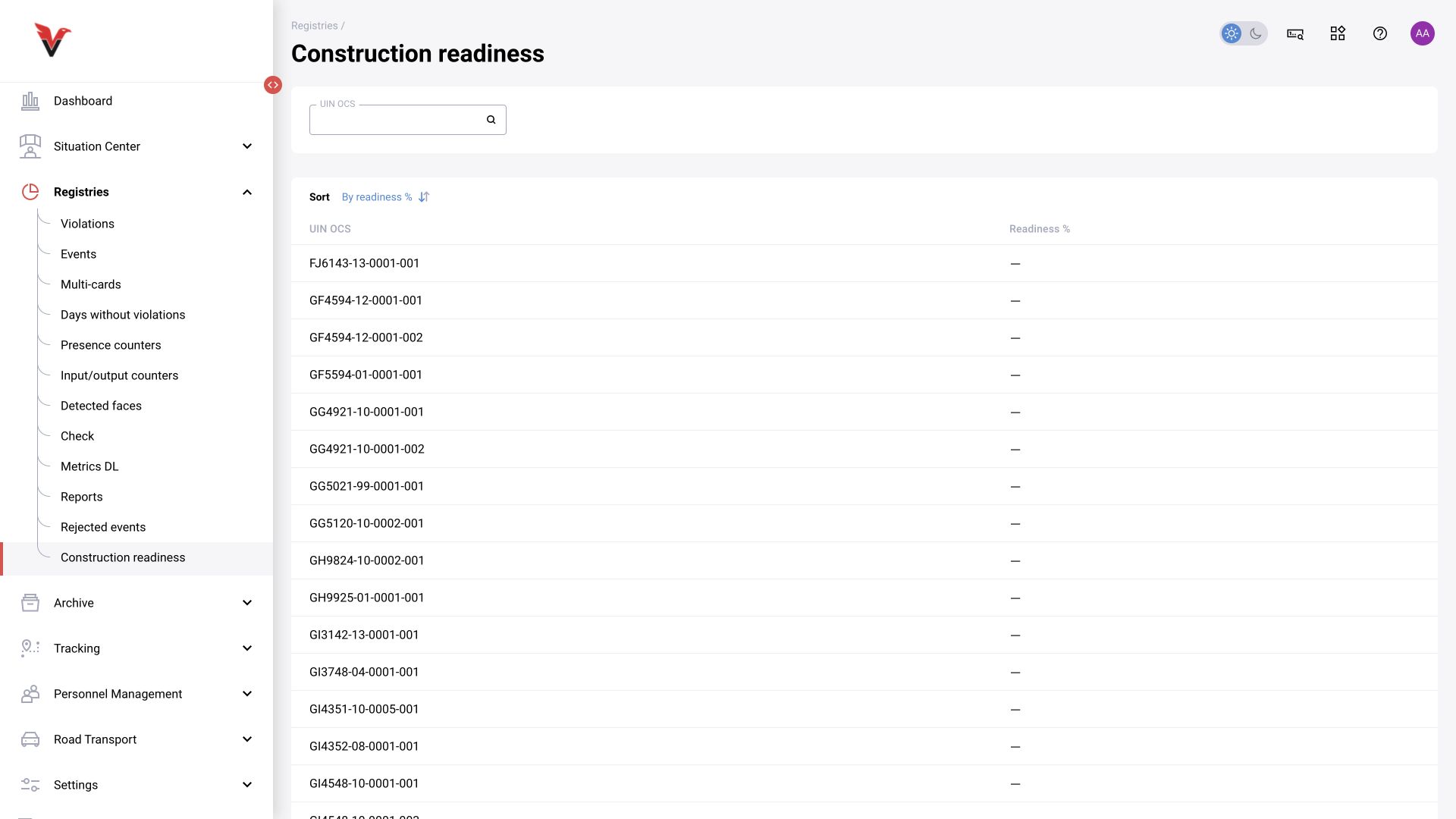
Path: Logs → Rejected events, /settings/rejected. This is a separate view for investigating rejected results. Select the period and available filters, then click “Show”. An empty list means there are no records in the current selection, not that the rejection mechanism is absent.
When analyzing, compare the original event, reason/decision and processing conditions. Do not count rejected records together with confirmed records as equivalent violations. If the same episode appears in several views, deduplicate by ID when exporting.
Construction progress
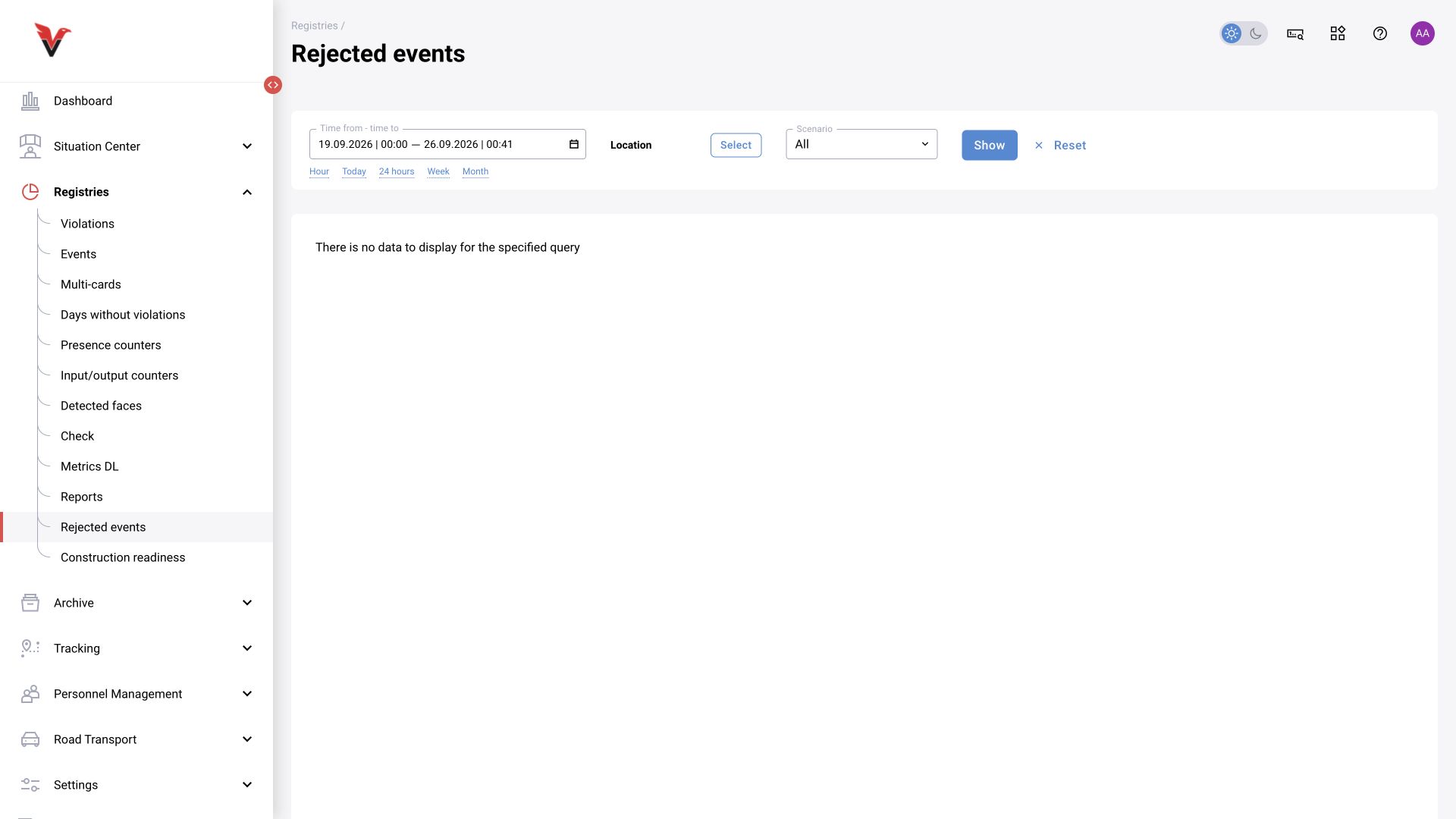
Path: Logs → Construction progress, /statistic/construction-readiness. A separate view of construction monitoring results. Enter the “Construction site UIN” to find the site. The table contains the UIN and “Completion, %”; sorting is by percentage, with a choice of direction. Use pagination to move between pages.
The meaning of this indicator depends on the project’s terminology and configured data acquisition. A dash must not automatically be treated as zero completion. The camera-to-site link, view, prompt and calculation method must be aligned. The general prompt fields for this mode are described in §11.8.