Upload
Package and metadata enter the registry.
in_validation
Compatibility and conversion checks.
in_testing
Control inference is executed.
tested
Continue with scene-specific quality checks.
A failed check requires diagnosis and revalidation; tested is not a site-accuracy score.
Model and version are separate
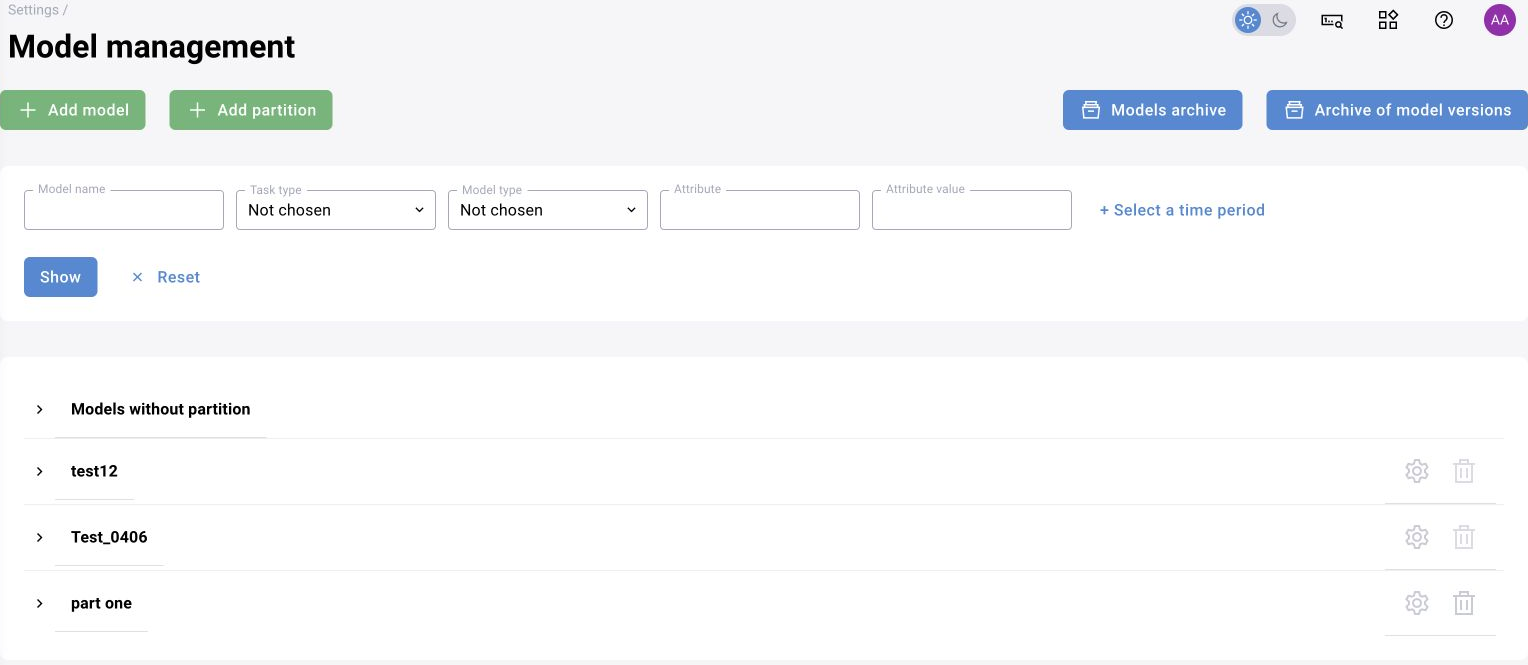
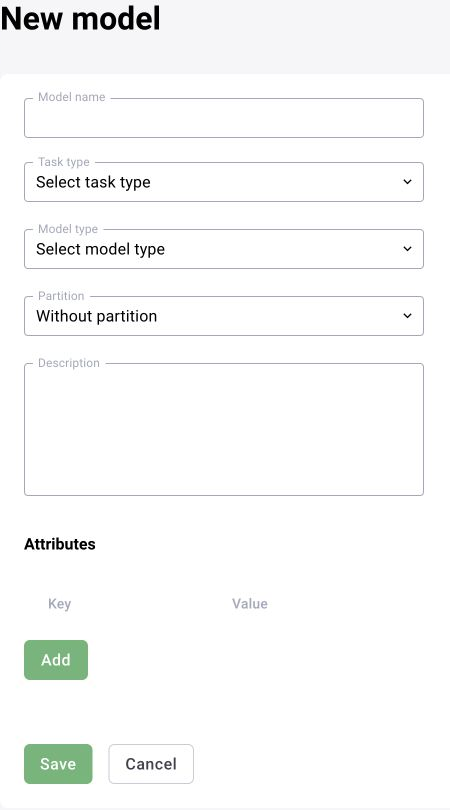
The model record contains its name, task type, model type, description and attributes. A version has its own identifier and label. The technical service description places package files in MinIO and metadata/state in PostgreSQL, managed by svr-models-registry.
| Entity | Representative fields |
|---|---|
| Model | name, task_type_id, mdl_type_id, mdl_section_id, attributes |
| Version | mdl_id, version, description, run_validation |
| Package | model_info.json, coco_categories.json, weights and protocol files |
Validation states
Uploading a package produces model_version_uploaded. The documented inf-flows-manager processing retrieves the package, performs required conversion and runs control inference. Technical validation and scene-specific quality assessment are separate.
| State | Next action |
|---|---|
| in_validation | Monitor package processing and conversion diagnostics |
| in_testing | Wait for control inference |
| tested | Assess quality on representative assets |
| failed | Resolve the diagnostic cause and use revalidate |
Publication and use
After tested, the registry emits model_version_ready. Publication sets is_published and makes the version available to scenarios. On startup, models_registry_ready communicates the current published catalogue. GPU loading occurs when a scenario using the model executes.
Updates and dependencies
Check published scenarios before replacing or removing a model version. A group update through inf-flows-manager changes model references and creates new published versions of successfully updated scenarios. Review each scenario result rather than relying only on the group operation status.
Registry interfaces and formats
The product description includes searches by name, version, category, attributes and update date, along with comments, archiving and restoration. Category settings may include labels, colours, thresholds and minimum detection dimensions. Product-level descriptions also refer to MLflow Model Registry; reconcile the actual component stack with the delivery specification. ONNX, PyTorch, TensorFlow and TensorRT support depends on the installed runtime and conversion profiles.
Archiving and permanent removal
Before archiving or removing a model version, check its actual camera usage as well as dependent published scenarios. Archiving retains a restoration path within the retention policy; permanent deletion requires resolving dependencies. Repeat control runs after a model change.