
Create a controlled session
Sandbox provides an execution session for development and checks. Confirm access to the model version, test asset and required reference data. Keep the session identifier and launch_uuid with the scenario version.
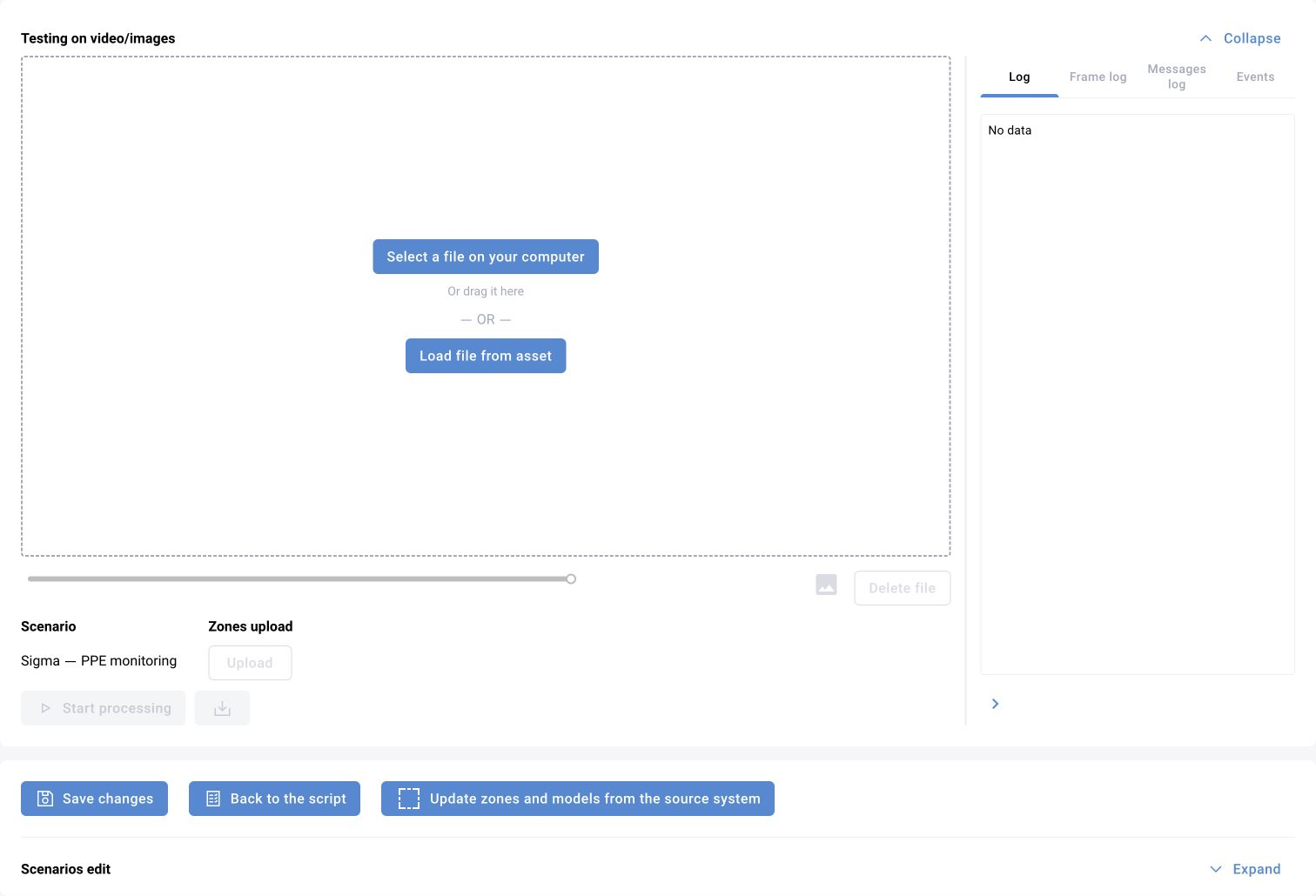
Check initialisation before event logic
- Verify that the installed palette contains every required block type.
- Check model packages, runtime profiles and accessible files.
- Resolve missing settings, invalid category identifiers and graph connections.
- Inspect service diagnostics when a session cannot start.
Trace the processing chain
Inspect the source frame, inference output, object tracks, zone filters, temporal conditions and event-creation stage in order. A visualiser can expose intermediate messages, but successful visualisation does not establish that the event reached storage or an external recipient.
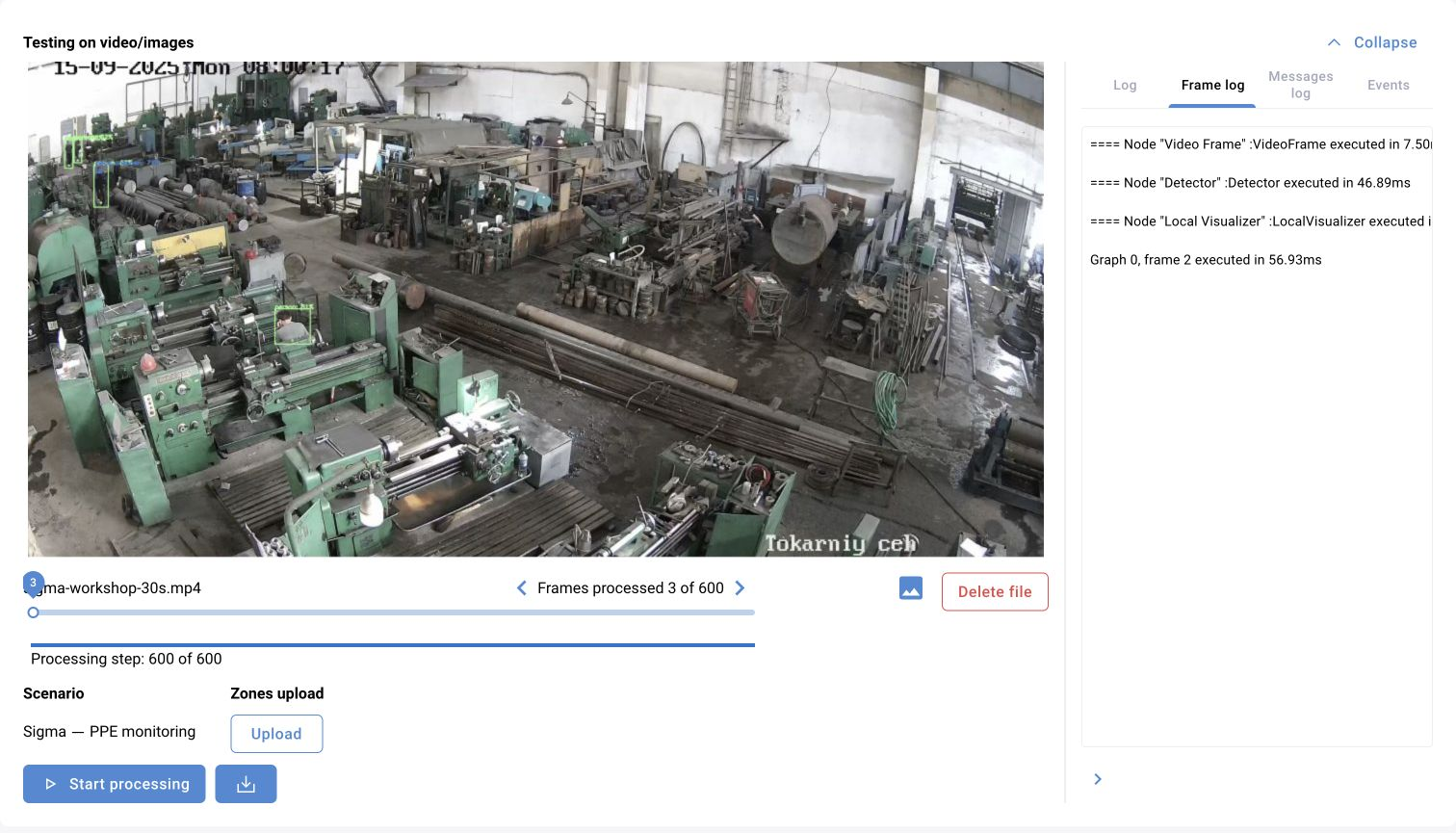
Use positive and negative episodes
Test both the intended event and a similar non-event. Check occlusion, short interruptions, reconnects and repeated observations. Preserve the parameters and evidence behind each conclusion.
Close and repeat
Save the graph before publishing. Close unused editor sessions to release temporary directories and processes. Re-run the saved version on the same asset and then a representative camera; development-session behaviour alone is not production acceptance.
Execution session progress fields
Session progress provides more detail than the overall run status. A processing step is not necessarily a source frame: do not substitute step for frame_index.
| Field | Type | Meaning |
|---|---|---|
session_id | Integer | Execution session |
step | Integer | Processing step |
frame_index | Integer | Frame index in the source file |
total_steps / total_frames | Integers | Total steps / frames |
is_interrupted | Boolean | Interrupted by the user |
events | Object array | Events from the current step |
Compare the same frame across graph stages
Frame results include the original image, visualized image, resulting message and execution log. A media file also has an overall log and events. Compare the same frame before and after the suspected block.
Connected blocks must agree on message structures and key topics. Unused detector/tracker categories increase load and make diagnosis harder. If no original frame exists, check asset-file access and session startup before changing detector thresholds.