
Prepare the environment
Before composing a graph, prepare the model and version, required reference data, test asset and a formal description of the event. Define the evidence and output expected by the operator or downstream system.
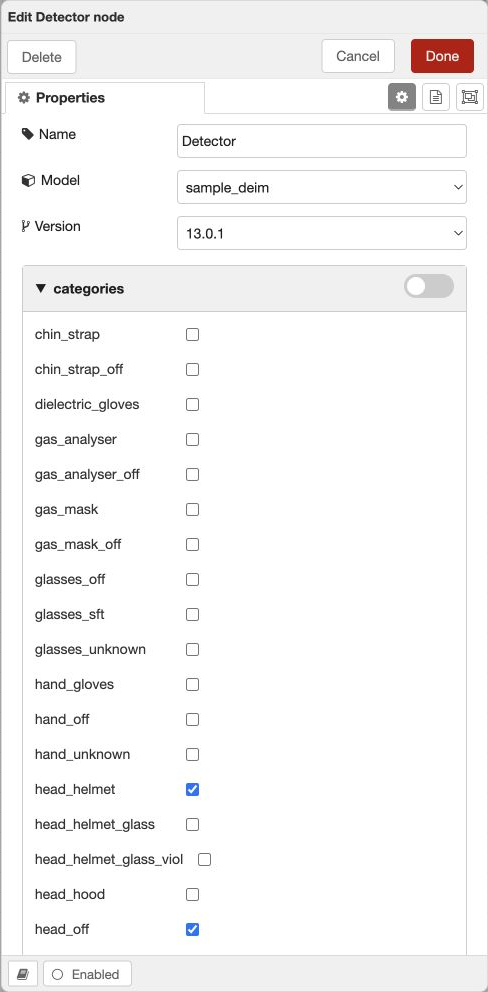
Scenario and version fields
| Field | Meaning |
|---|---|
| name / version | Scenario name / version label, up to 255 characters |
| scenario_type | frame_scenario or event_scenario |
| execute_type | by_camera, by_object or all_cameras: event-state scope |
| scenario_id / version_id | Positive integer identifiers created by the server |
| version_uuid | Root graph-tab identifier |
| section_id | Catalogue section or empty value |
Publication, archive and deletion states are changed by their dedicated operations. Do not change them by editing arbitrary graph fields.
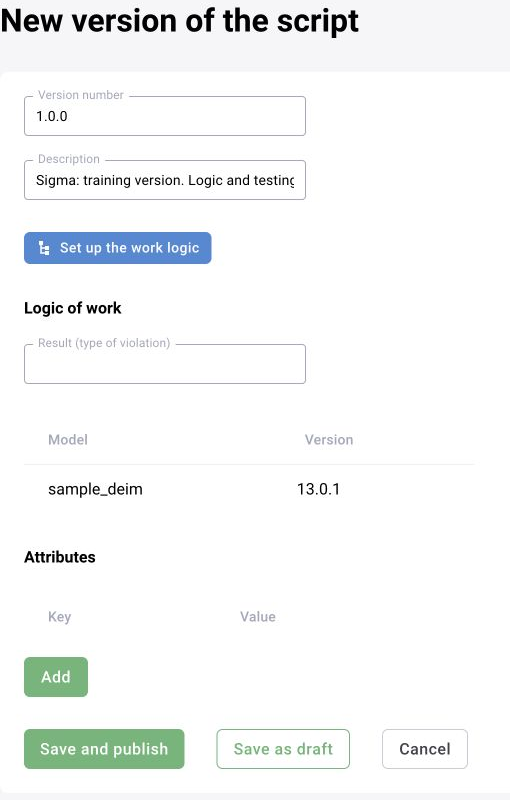
flow_data: Node-RED graph structure
flow_data contains an array of graph objects. type=tab represents a tab; executable node types come from the installed palette. Block-specific fields are stored with each block.
| Field | Purpose |
|---|---|
| id | Unique object identifier inside the graph |
| type | tab or machine-readable block type |
| label / name | Display name |
| z | Identifier of the block’s tab |
| wires | string[][]: recipient identifiers for each output |
| x / y | Editor coordinates, not processing parameters |
[
  {"id": "scenario-tab", "type": "tab", "label": "Zone check"}
]

// Example wiring: output 0 goes to node-a and node-b; output 1 to node-c.
// "wires": [["node-a", "node-b"], ["node-c"]]
flow_settings: extracted parameters
On save, the graph-processing service extracts configurable block parameters. blocks[] contains block id, name, type and parameters. Parameter entries may include name, type, value, editable, default_value, options and translations. Use the deployed contract when creating or editing these fields.
Unification and publication
Keep common operations before branching and after merging. Reuse repeated chains and pass camera-specific parameters through zones, reference data and settings rather than graph copies. The editor stores flows.json in its session; the backend extracts settings and stores graph and model dependencies before publication.

Debug and maintain
Resolve graph initialisation first, then inspect detections, tracks, filters and events. Monitor quality and load after publication. Document camera overrides separately and retain a rollback version.
Extracted parameter fields
| Path in flow_settings | Meaning |
|---|---|
blocks[] | Each block’s id, name, type and parameters |
parameters[].name | Machine parameter name |
parameters[].type | Parameter type |
parameters[].value | Current value or null |
parameters[].editable | Whether it can be edited |
parameters[].default_value | Default value |
parameters[].options | Allowed choices |
parameters[].translations | Localized display names |
Validate field types and nested JSON in the selected block’s settings. Use the editor to change the graph; do not manually replace flows.json in a live session. The tab/wiring example above describes a format, not an executable detector.
Publication transport and service naming
After the backend extracts settings and model dependencies through inf-flows-manager, scenario storage retains the version and root graph tab. Publication distributes available versions and current settings to consumers through Kafka.
Different delivery documents use wf-/svr- and sbx-/nr-sbx- prefixes. Locate service logs using the names in the deployed compose file.